Model Info
R2026bDisplay model properties and text in model
Model Info block

To add a block to a model, double-click the canvas and start typing the block name. Then, select the block from the list.
Libraries:
Simulink /
Model-Wide Utilities
Description
The Model Info block displays model properties and text about a model on the mask of the block. Use the Model Info block dialog box to specify the content and format of the text that the block displays. You can select model properties to display on the block. In the text displayed on the block mask, the software replaces the property name with the current value of the property in the model.
Examples
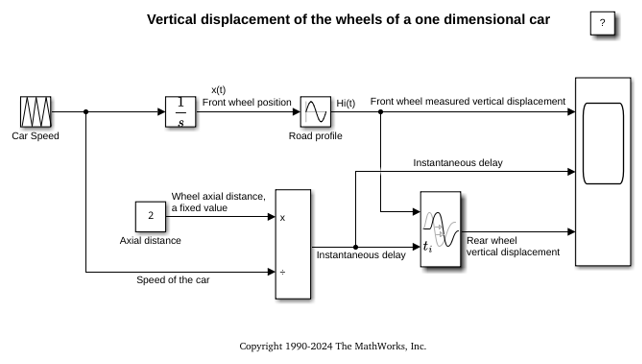
Simulating Systems with Variable Transport Delay Phenomena
Two cases where you can use Simulink® to model variable transport delay phenomena.
Parameters
Block Characteristics
Data Types | |
Direct Feedthrough |
|
Multidimensional Signals |
|
Variable-Size Signals |
|
Zero-Crossing Detection |
|
Programmatic Use: Add Block
To add the block programmatically, use the add_block function with one of these library block paths as the source.
"simulink/Model-Wide Utilities/Model Info"
Example: add_block("simulink/Model-Wide Utilities/Model Info","myModel/myBlock",MakeNameUnique="on")

