Underwater
R2026bUnderwater scene
Since R2026a
Description
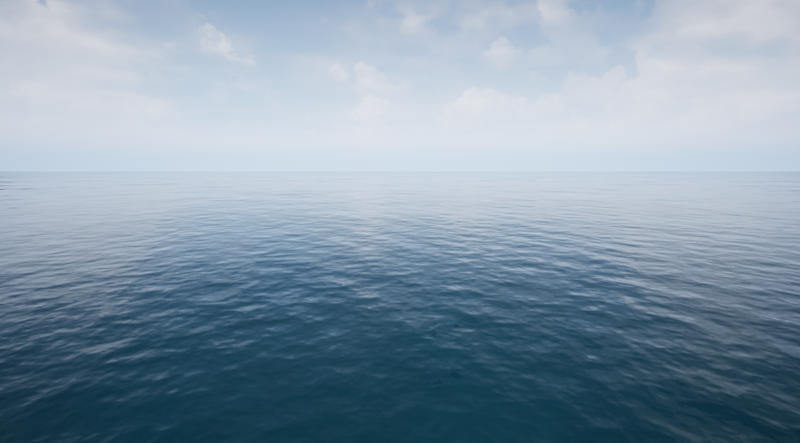
The Underwater scene is a 3D environment of generic underwater. The scene is rendered with Unreal Engine®.
Setup
To use the Underwater scene:
Check which scenes are installed on your local machine.
sim3d.maps.Map.local
If the table does not contain
"Underwater", then download the scene from the map server.sim3d.maps.Map.download("Underwater")Add a Simulation 3D Scene Configuration block to your Simulink® model.
In the Block Parameters dialog box, set the Scene source parameter to
Default Scenes.Set the Scene name parameter to
Underwater.
To add an autonomous underwater vehicle to the scene:
Add a Simulation 3D Aircraft block to your Simulink model.
Set the Type parameter to
Custom.Set the Path to custom mesh parameter to
/MathWorksAerospaceContent/Vehicles/Aircraft/Custom/Mesh/SK_AUV.SK_AUV.
Layout
Blocks in the Aerospace Simulation 3D library require dimensions in meters.
More About
Tips
When you select the
Underwaterscene from the Default Scenes list in the Simulation 3D Scene Configuration block, the Simulation 3D pack blocks synchronize with the NED input coordinate frame.If you have the Aerospace Blockset™ Interface for Unreal Engine Projects support package, then you can modify this scene. In the Unreal Engine project file that comes with the support package, this scene is named
Underwater.For more details on customizing scenes, see Customize 3D Scenes for Aerospace Blockset Simulations.
Version History
Introduced in R2026a

