ROS 2 Connectivity Troubleshooting
R2026bReliable ROS 2 communication requires precise alignment across network layers, middleware implementations, and operating-system security. Use the topics in this category to diagnose and fix connectivity failures when MATLAB® cannot discover external ROS 2 nodes or when messages fail to reach their destination.
This table lists the topics and the issues addressed in the topics.
| Troubleshooting Topic | Issue |
|---|---|
| Troubleshoot ROS 2 Discovery Issues in Virtual Environments | MATLAB is unable to discover external ROS 2 nodes due to incompatible network adapter modes, stale processes, or mismatched ROS distribution, domain ID, or middleware settings. |
| Troubleshoot ROS 2 Cross-Subnet Discovery Issues Using DDS Profiles | ROS 2 nodes on different subnets cannot discover each other because DDS multicast does not cross subnet boundaries by default. |
| Troubleshoot ROS 2 Firewall, QoS, and Network Compatibility Issues | Windows Firewall blocks DDS multicast traffic, or mismatched QoS policies and message definitions cause silent communication failures. |
Topics
- Install and Set Up Docker for ROS, ROS 2, and Gazebo
Installation guide and setup instructions for Docker for ROS, ROS 2, and Gazebo.
Featured Examples
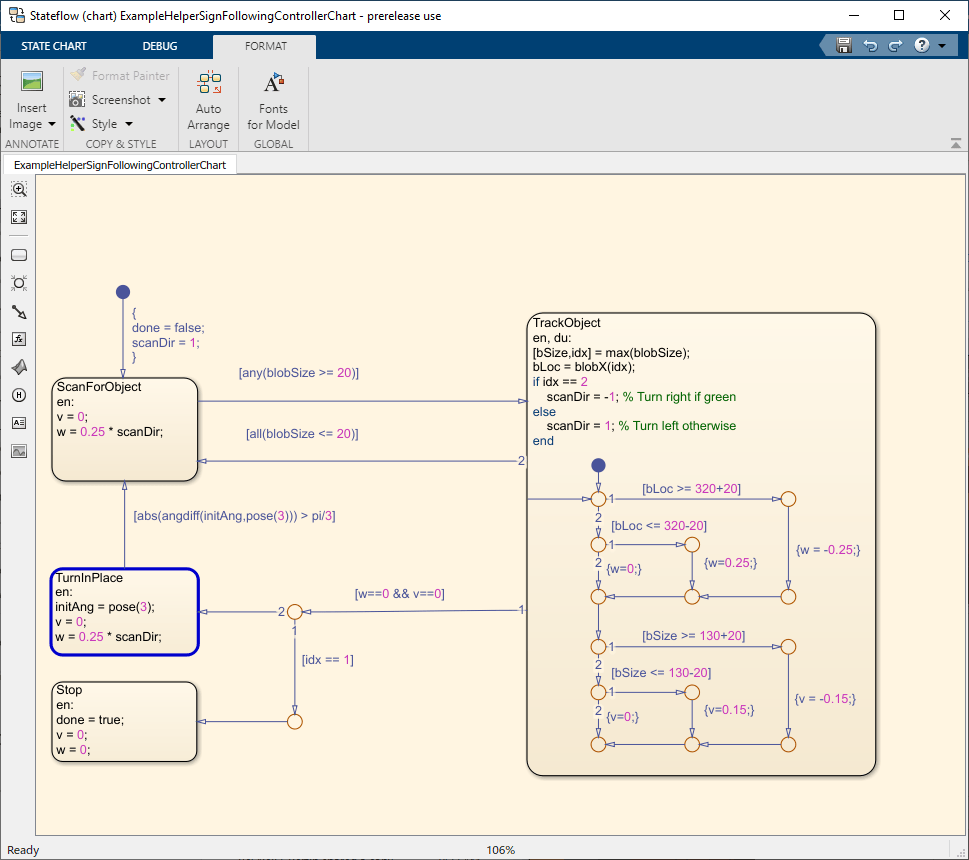
Sign-Following Robot with ROS 2 in MATLAB
Control a simulated robot running on a separate ROS-based simulator over ROS 2 network in MATLAB and generate a ROS 2 node for the control algorithm to deploy it to a remote device.
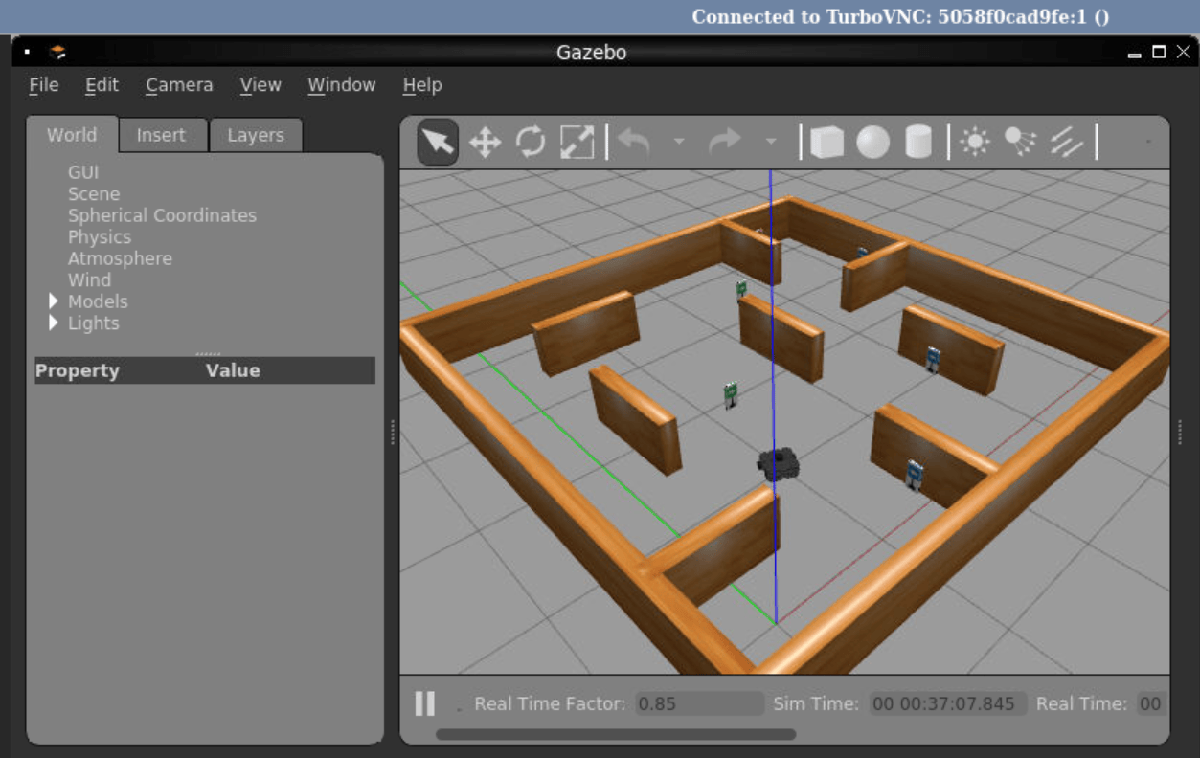
Sign-Following Robot with ROS in Simulink
Use Simulink® to control a simulated robot running on a separate ROS-based simulator.
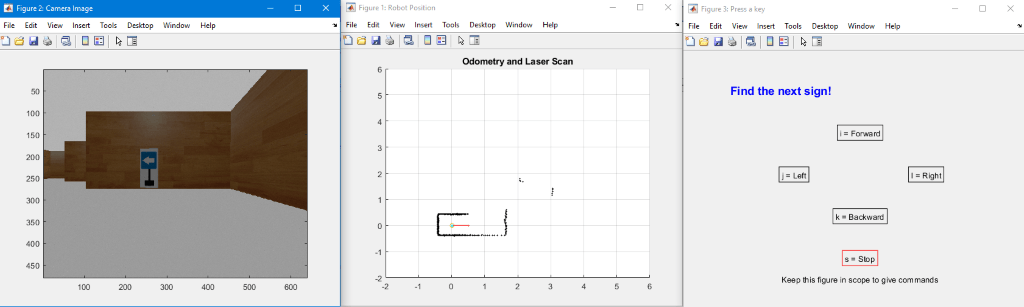
Manage Quality of Service Policies in ROS 2 Application with TurtleBot
Demonstrates the best practices in managing Quality of Service (QoS) policies for an application using ROS 2.
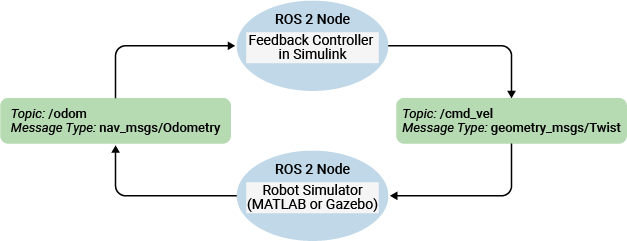
Feedback Control of a ROS-Enabled Robot over ROS 2
Use Simulink to control a simulated robot running in a Gazebo robot simulator over ROS 2 network.

