UDP Receive
R2026bReceive data over UDP network from a remote device
UDP Receive block

To add a block to a model, double-click the canvas and start typing the block name. Then, select the block from the list.
Libraries:
Simulink Real-Time /
IP
Description
The UDP Receive block receives data over a UDP network from a remote device. It can receive data by using the connection between the MATLAB® development computer and Speedgoat® target computers or by using a dedicated Ethernet card. If you use a dedicated Ethernet card, use the Speedgoat configuration utility to configure the dedicated Ethernet board.
The parameter Local IP address applies when the block executes in a real-time application on a target computer or in a model simulation on a development computer. If your model is running in Simulink® on the development computer, you can use this block to receive data to a remote device. In this case, the Windows® operating system determines the network connection.
Note that you cannot configure two UDP Receive blocks with the same local port. For example, two UDP Receive blocks cannot have the same local port and different IP addresses
Examples
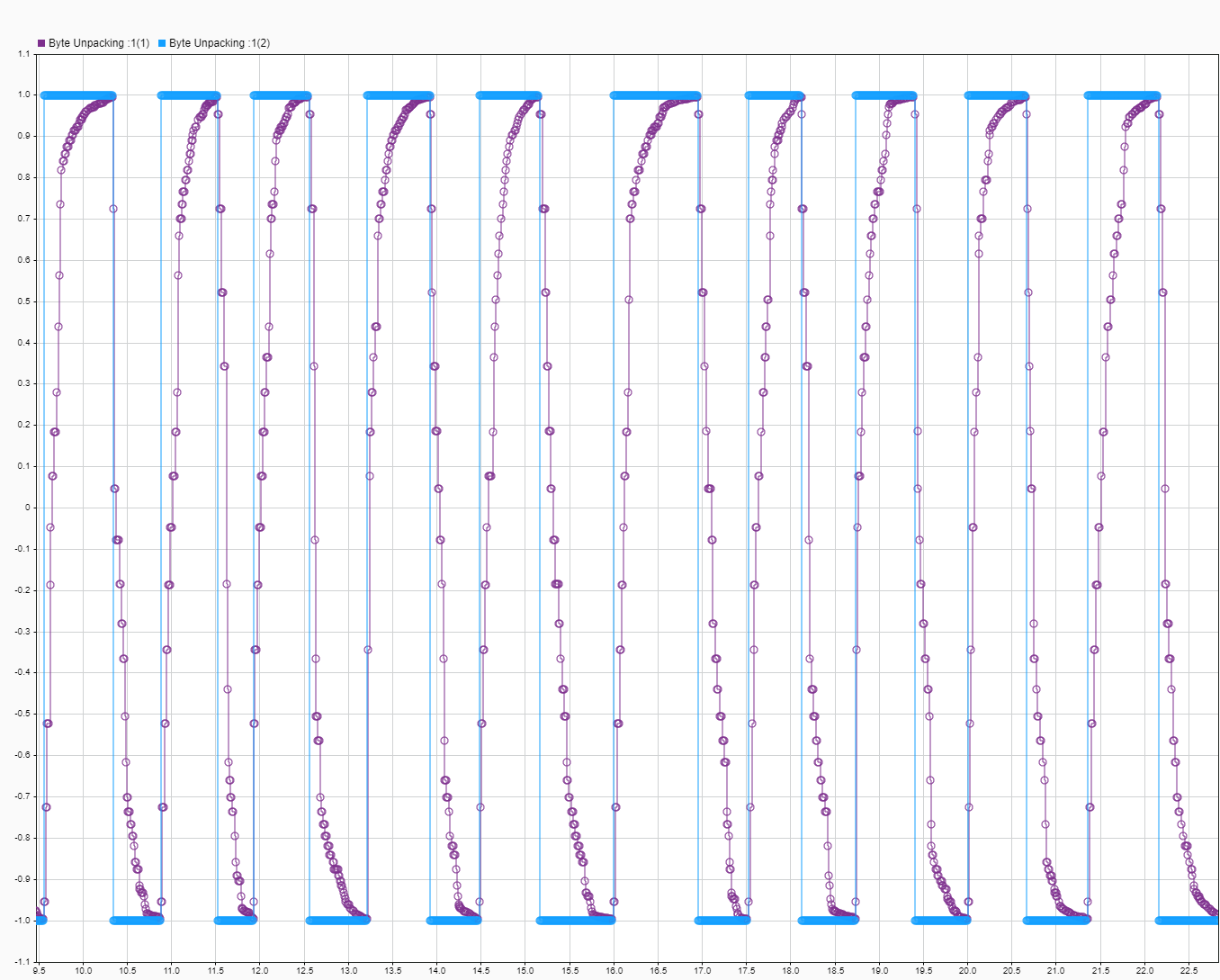
Target to Host Transmission by Using UDP
Use UDP blocks to send data from a target computer to a development computer.

Apply UDP Receive Block with Messages from Multiple IP Senders
Use UDP Receive blocks to receive messages from multiple IP addresses.
Ports
Output
Parameters
Extended Capabilities
Version History
Introduced in R2020b

