UAV Scenario Get Transform
R2026bGet transforms from UAV scenario platforms
UAV Scenario Get Transform block

To add a block to a model, double-click the canvas and start typing the block name. Then, select the block from the list.
Libraries:
UAV Toolbox /
UAV Scenario and Sensor Modeling
Description
This block outputs a 4-by-4 transformation matrix that maps points in source frame to target frame in a UAV Scenario.
To use this block, ensure that UAV Scenario Configuration block is in your model.
This block uses the sample time specified in the UAV Scenario Configuration block.
Examples
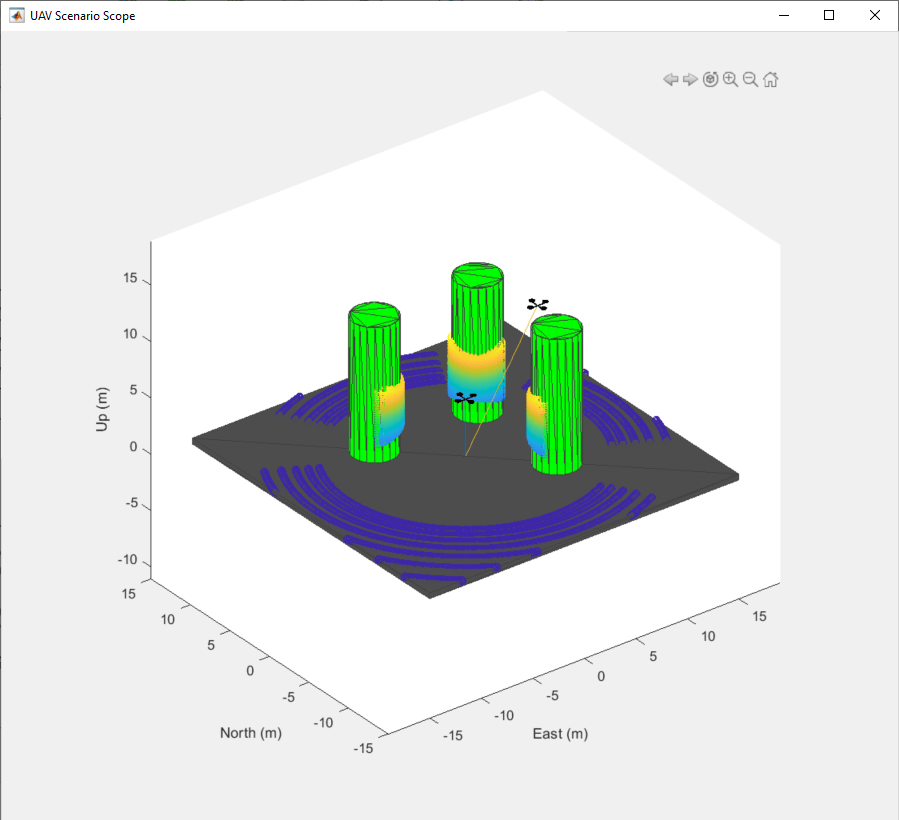
Simulate UAV Scenario Using Scenario Blocks
Use the UAV scenario blocks to simulate a scenario in Simulink®.
Limitations
The UAV Scenario blocks do not support:
Code generation
Model reference
Multiple instances of the UAV Scenario Configuration block
Rapid acceleration mode
In addition, the execution order is important when using these blocks in a closed loop simulation. The UAV Scenario Configuration block must execute first. The UAV Scenario Motion Write block must execute before the UAV Scenario Motion Read, UAV Scenario Lidar, and UAV Scenario Scope blocks.
Ports
Output
Parameters
Programmatic Use: Add Block
To add the block programmatically, use the add_block function with one of these library block paths as the source.
"uavsimlib/UAV Scenario Get Transform"
Example: add_block("uavsimlib/UAV Scenario Get Transform","myModel/myBlock",MakeNameUnique="on")
Version History
Introduced in R2021b

