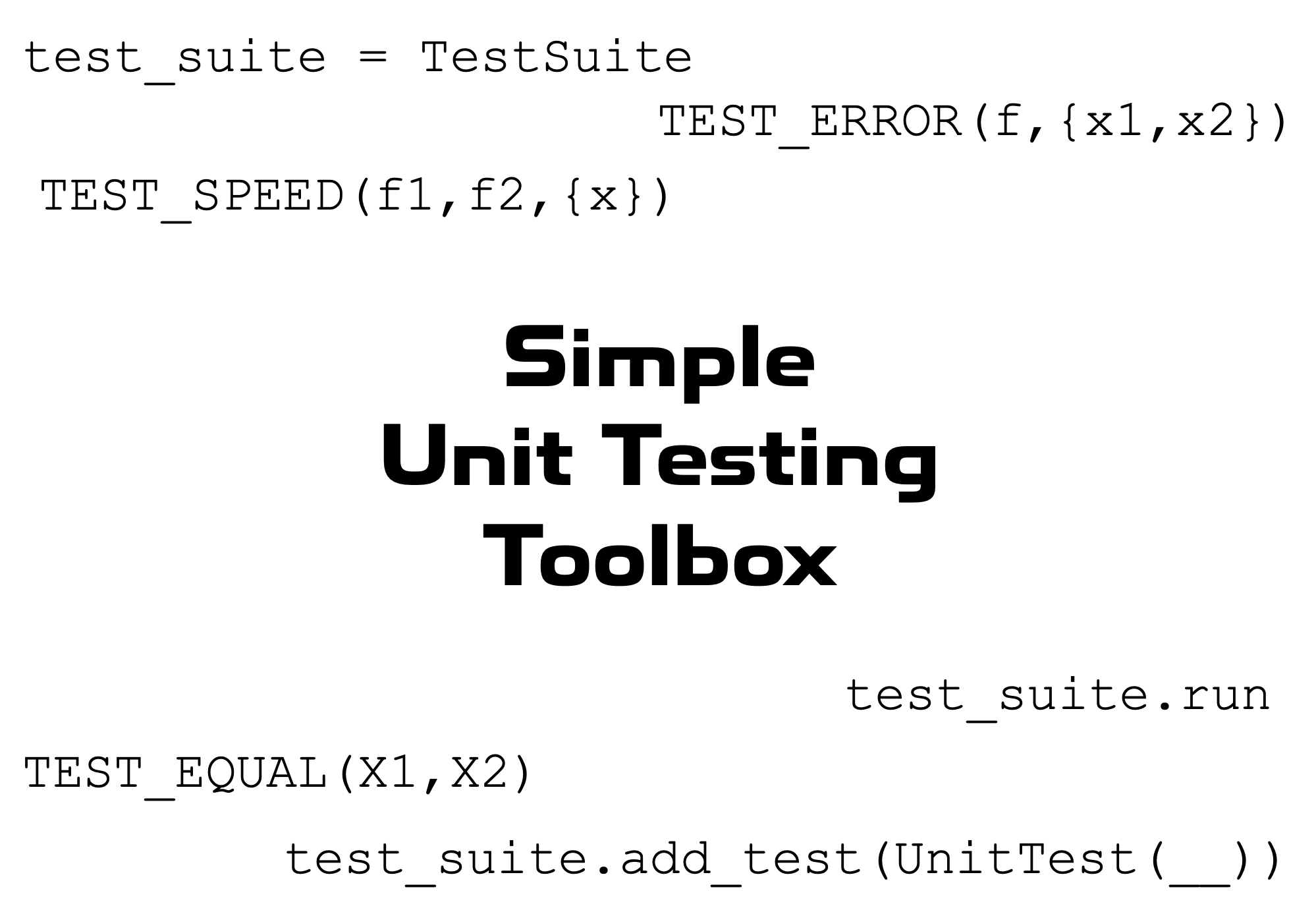
Simple unit testing framework for MATLAB.
https://tamaskis.github.io/Simple_Unit_Testing_Toolbox-MATLAB/
Ahora está siguiendo esta publicación
- Verá actualizaciones en las notificaciones de contenido en seguimiento.
- Podrá recibir correos electrónicos, en función de las preferencias de comunicación que haya establecido.
This toolbox defines a simple unit testing framework for MATLAB.
- Download the toolbox from File Exchange or GitHub.
- Open the
INSTALLfolder. - Double-click on
Simple Unit Testing Toolbox.mltbx.
MATLAB will automatically perform the installation and add all the contents of the toolbox folder to the MATLAB search path.
To open the home page of the toolbox documentation in MATLAB, type the following in the Command Window:
doc_SUTT
To open the documentation of a specific function or class with name name, type the following in the Command Window:
doc_SUTT name
test_suite = TestSuite(name,terminate,color)
test_suite.add_test(TestEqual(X1,X2,name,n))
test_suite.add_test(TestNotEqual(X1,X2,name,n))
test_suite.add_test(TestError(f,args,name))
test_suite.add_test(TestNoError(f,args,name))
test_suite.add_test(TestSpeed(f1,f2,args,name))
test_suite.add_test(TestFunctionCount(f,g,name))
test_suite.run
TEST_EQUAL(X1,X2,n)
TEST_NOT_EQUAL(X1,X2,n)
TEST_ERROR(f,args)
TEST_NO_ERROR(f,args)
TEST_SPEED(f_fast,f_slow,args,n_eval)
TIME_EVALUATION(f,args,n_eval)
TEST_FUNCTION_COUNT(f,g)
Note that in the examples in the documentation, all of the test output is in black. However, when you run the tests locally in MATLAB, passed tests will print in green, while failed tests will print in red; this is accomplished using the cprintf function.
Citar como
Tamas Kis (2026). Simple_Unit_Testing_Toolbox-MATLAB (https://github.com/tamaskis/Simple_Unit_Testing_Toolbox-MATLAB/releases/tag/v4.1.4), GitHub. Recuperado .
Información general
- Versión 4.1.4 (473 KB)
-
Ver licencia en GitHub
Compatibilidad con la versión de MATLAB
- Compatible con cualquier versión
Compatibilidad con las plataformas
- Windows
- macOS
- Linux
