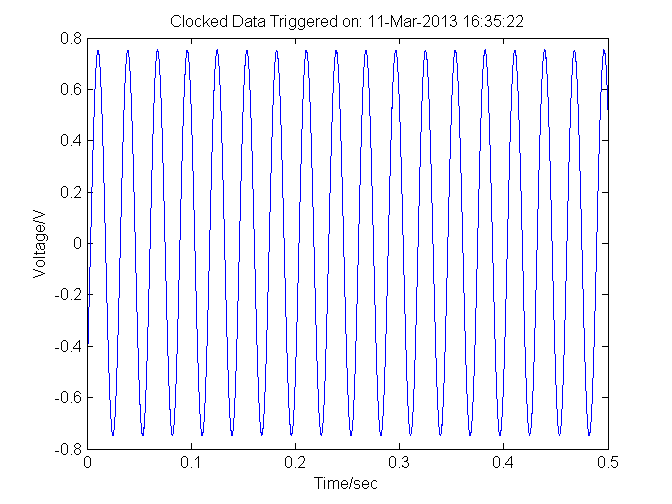
Getting Started with NI myDAQ
Code example for acquiring data into MATLAB using myDAQ hardware

Ahora está siguiendo esta publicación
- Verá actualizaciones en las notificaciones de contenido en seguimiento.
- Podrá recibir correos electrónicos, en función de las preferencias de comunicación que haya establecido.
Citar como
MathWorks Data Acquisition Toolbox Team (2026). Getting Started with NI myDAQ (https://la.mathworks.com/matlabcentral/fileexchange/40749-getting-started-with-ni-mydaq), MATLAB Central File Exchange. Recuperado .
Información general
- Versión (6,11 KB)
Compatibilidad con la versión de MATLAB
- Compatible con cualquier versión
Compatibilidad con las plataformas
- Windows
- macOS
- Linux

