Run and Verify Generated IP Core
R2026bRun and verify the generated bitstream from your IP core design on your target hardware. The input is a generated bitstream for the FPGA portion of your device. The output is a simulated and verified design running on your target FPGA. For more details on the workflow, see Targeting FPGA and SoC Hardware Overview.

Objects
Functions
Topics
- Program Target FPGA Boards or SoC Devices
How to program the target Altera® or AMD® Hardware.
- Choose a Method to Interact with IP Cores on Target Hardware
Choose a software interface method to interact with IP cores running on target hardware.
- Generate and Manage FPGA I/O Host Interface Scripts
Understand what a host interface script is and learn how to generate and manage host interface scripts.
- Use FPGA I/O to Rapidly Prototype HDL IP Core
Create and author a host interface script by configuring interfaces and port mapping information to control HDL IP core.
- Debug and Control Generated HDL IP Core by Using JTAG AXI Manager
Specify automatic insertion of the HDL Verifier AXI Manager IP into a reference design.
- Debug Write Registers Using Readback in Generated IP Cores
This example describes the different techniques to read the input registers such as AXI4 or AXI4-Lite in your design.
- Debug IP Core Using FPGA Data Capture
This example shows how to debug an IP core you generate in HDL Coder™ using only FPGA Data Capture as well as both AXI Manager and FPGA Data Capture together.
- Use Test Points to Debug Signals with HDL Coder
An example that shows how to add test points to signals in your model and debug these signals in the generated HDL code.
- Debug IP Core Using Hardware-Software Deployment
Debug a Zynq® design using HDL Coder™ and Embedded Coder® features.
- Prototype IP Core on Zynq with MATLAB FPGA I/O Host Interface (SoC Blockset)
Implement a QPSK communication algorithm on a AMD Zynq radio using MATLAB for signal transmission and reception.
Featured Examples
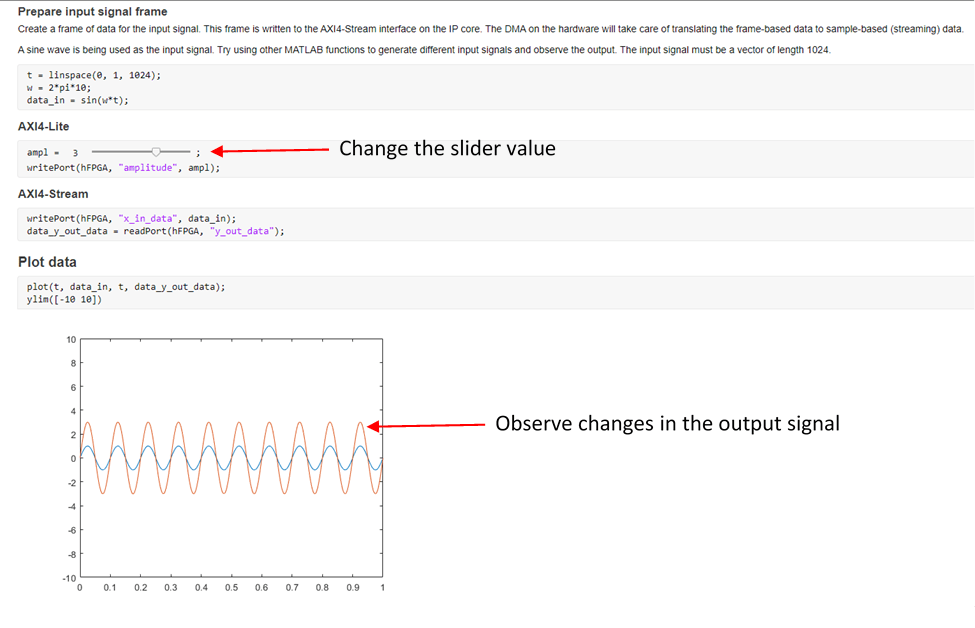
Prototype Generated IP Core on Hardware using FPGA I/O
Use MATLAB® to prototype an algorithm running on FPGA hardware from your host computer. The example demonstrates the workflow on the Versal AI Core Series VCK190 Evaluation Kit, but can be run on any Xilinx® Zynq®, UltraScale+™, or Versal® board supported by HDL Coder.
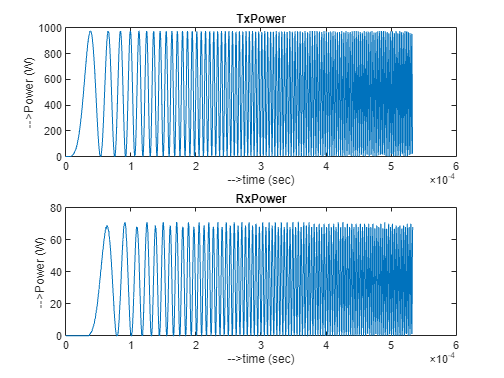
Use FPGA I/O to Communicate with FPGA on Zynq-Based Radio by Using MATLAB
Prototype an FPGA design on a Xilinx® Zynq®-based radio and communicate with hardware by using MATLAB® as the host computer. In this example, you can deploy a waveform transmitter and receiver algorithm on hardware, and then transmit and receive the stream signals through the MATLAB® host.
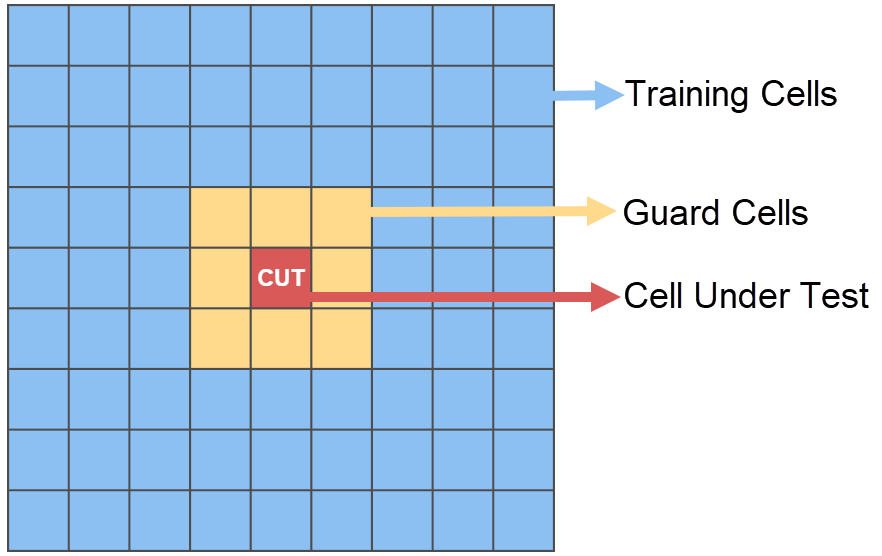
Generate HDL IP Core for Frame-Based MATLAB Function with AXI4-Stream Interfaces
Generate a sample-based HDL IP core with AXI4-Stream interfaces from a frame-based MATLAB function by using the frame-to-sample optimization, and verify the IP core on a ZedBoard.

