Comunicación de interfaz directa en Simulink
R2026bEl módulo Instrument Control Toolbox™ proporciona bloques para comunicarse con instrumentos y utilizar las interfaces serial, TCP/IP y UDP en Simulink. A continuación se enumeran los bloques de la biblioteca de bloques de Instrument Control Toolbox y ejemplos que muestran cómo utilizarlos.
Bloques
 | Serial Configuration | Configure parameters for serial port |
 | Serial Receive | Receive binary data over serial port |
 | Serial Send | Send binary data over serial port |
 | TCP/IP Receive | Recibir datos a través de la red TCP/IP desde una máquina remota específica. |
 | TCP/IP Send | Send data over TCP/IP network to specified remote machine |
 | UDP Receive | Receive data over UDP network from specified remote machine |
 | UDP Send | Send data over UDP network to specified remote machine |
 | VISA | Communicate with VISA resources (Desde R2023b) |
Temas
- Open Instrument Control Toolbox Block Library
Access the Instrument Control Toolbox block library in two ways.
- Send and Receive Data over TCP/IP Network
Send data to an echo server using TCP/IP and read that data back into a model.
- Enable Blocking Mode in Receive and Send Blocks
Make your simulation wait while the block receives or sends data.
- Sincronización en modelos de interfaz de hardware
Determinar la frecuencia de ejecución de los bloques y relacionarla con el tiempo real.
Ejemplos destacados
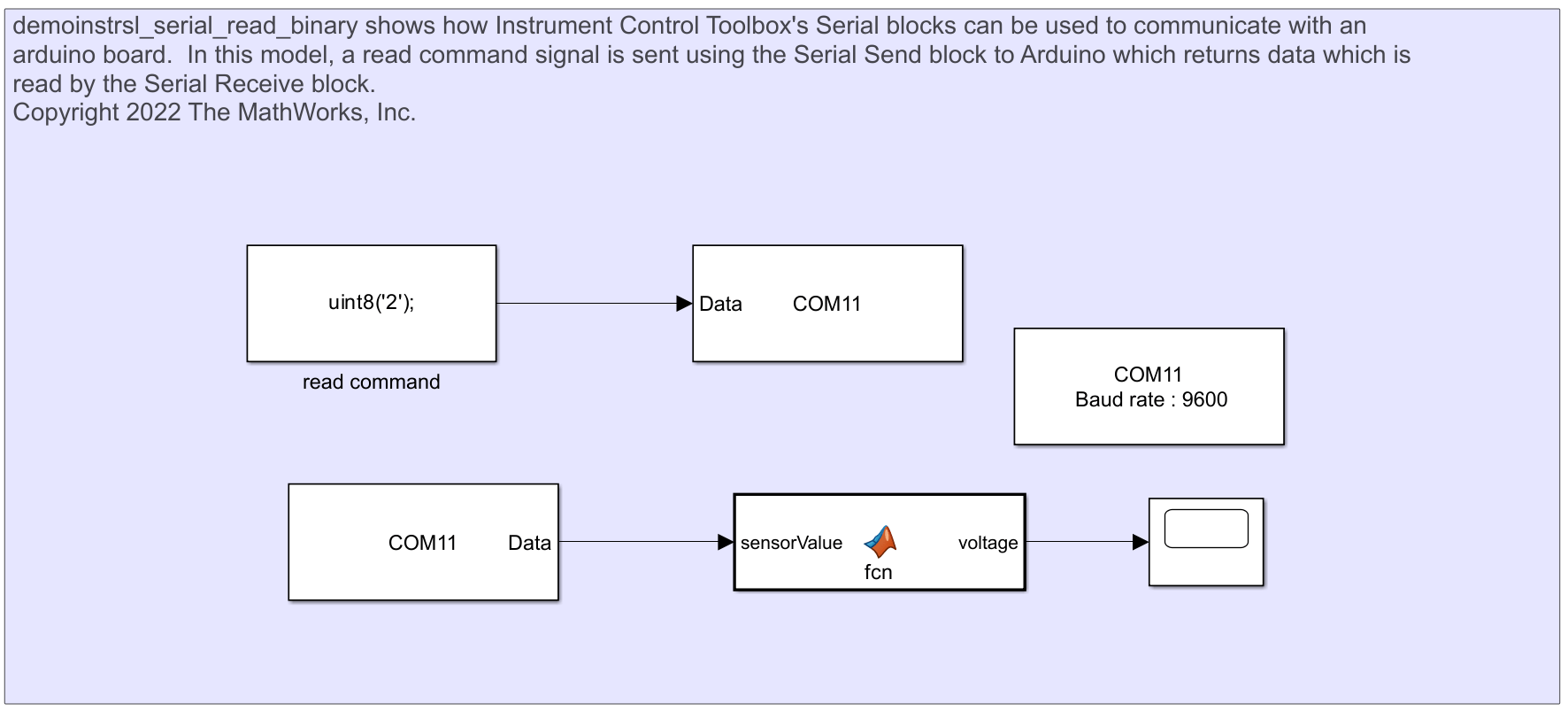
Communicate with Arduino Server Using Serial Blocks
Send a read command to an Arduino using Serial blocks and read data back.
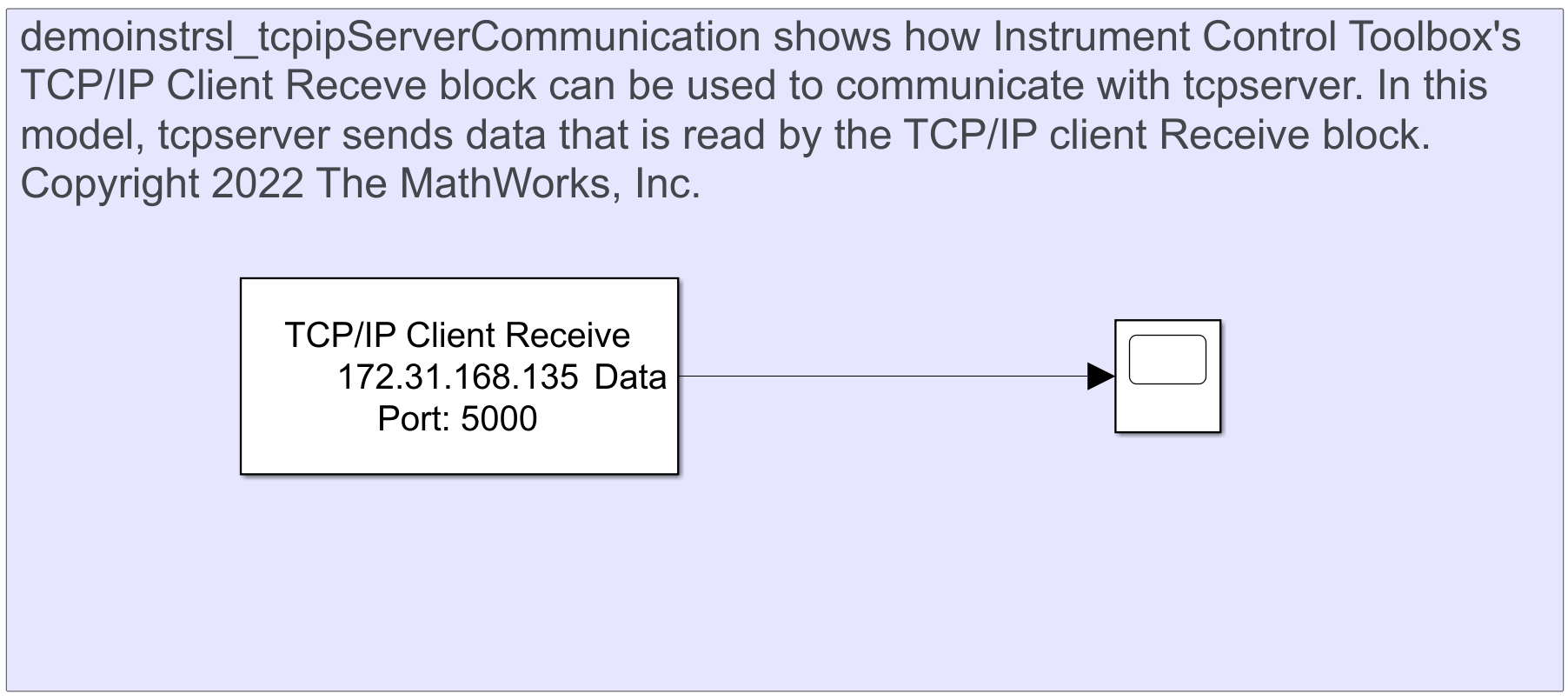
Communicate Between TCP/IP Client Receive Block and TCP/IP Server in MATLAB
Send data over TCP/IP using TCP/IP Client Receive block and TCP/IP server.
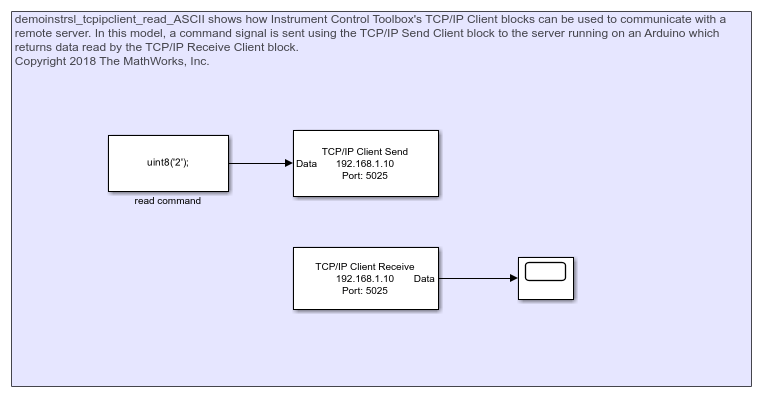
TCP/IP Client Block Communication with Arduino Server
Send data to Arduino server using TCP/IP Send and read it back using TCP/IP Receive.
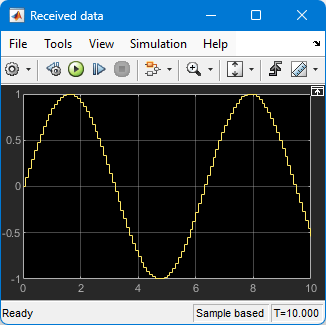
Basic UDP Communication
Transfer data over a UDP network using Simulink®.
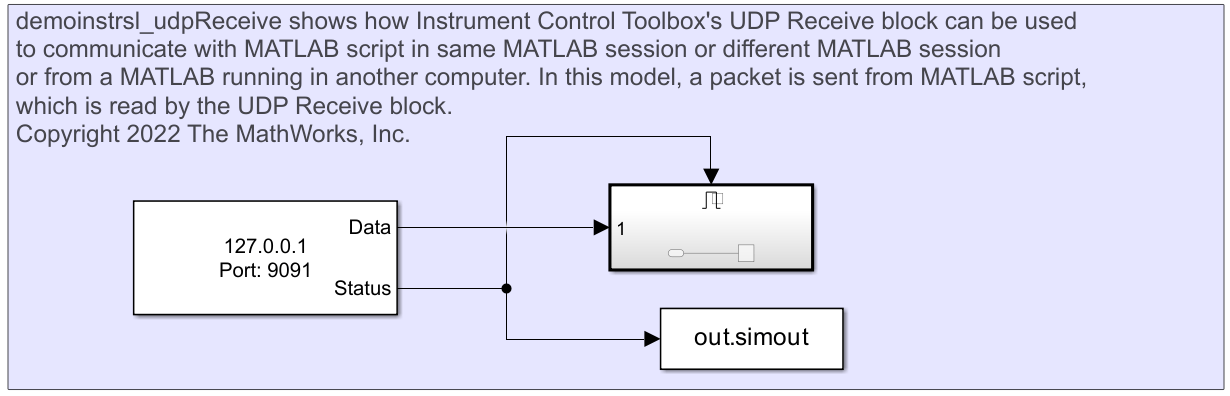
Read Data from MATLAB Using UDP Receive Block
Read data over UDP using the UDP Receive block.
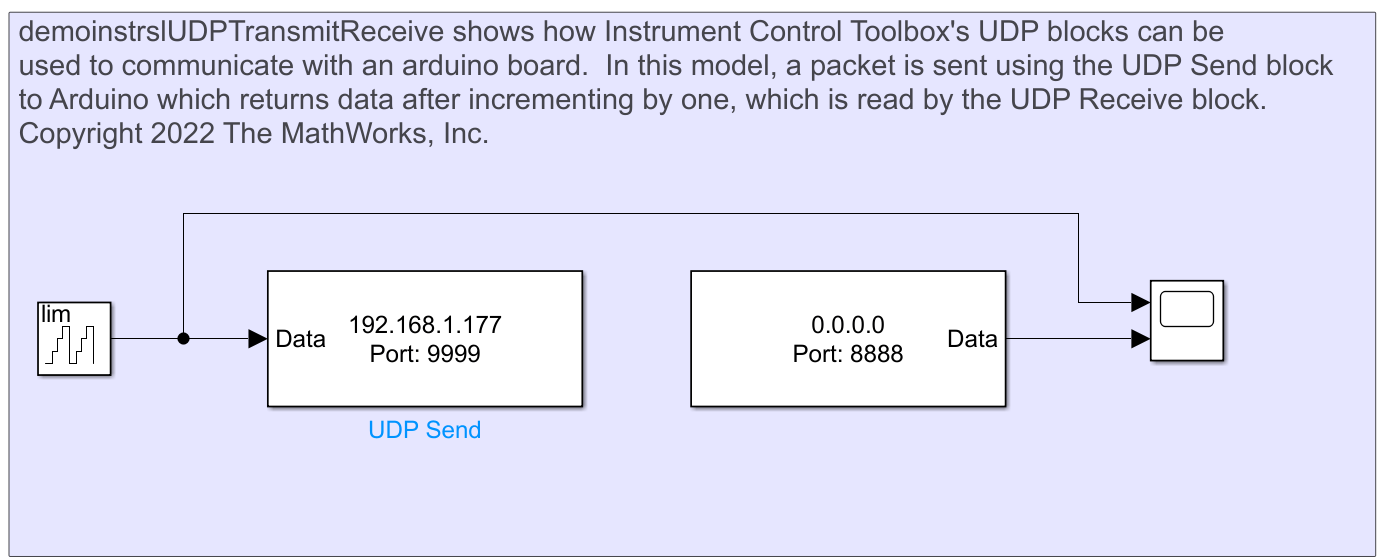
Communicate with Arduino Server Using UDP Blocks
Send data to Arduino server using UDP Send and read it back using UDP Receive.
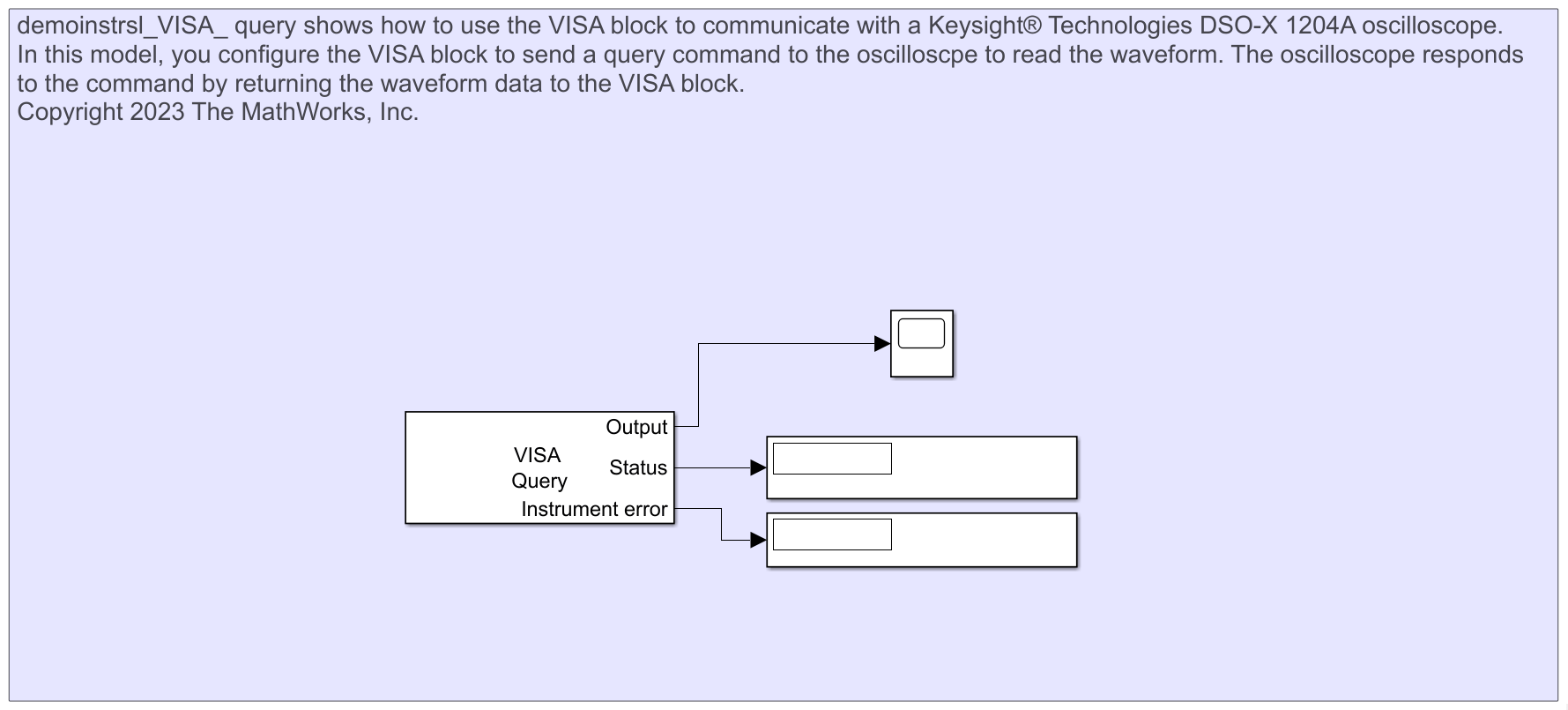
Read Waveform Data from Keysight DSO-X 1204A Oscilloscope Using VISA Block
Use the VISA block to communicate with a Keysight® Technologies DSO-X 1204A oscilloscope.

