Deploy Standalone Applications from Models
R2026bGenerate C/C++ code from Simulink models and deploy it to Raspberry Pi hardware to create standalone applications that run independently of your host computer. This lets the system operate autonomously on the hardware for a wide range of applications.
For more information on the product stack required for deploying Simulink models using Raspberry Pi Blockset, see Product Stack for Raspberry Pi Blockset.
Objects
raspberrypi | Get host name, user name, password, and build directory |
Functions
getRunOnBoot | Get name of Simulink model added to Run-on-boot |
addToRunOnBoot | Add Simulink model to Run-on-boot |
removeRunOnBoot | Remove a Simulink model from Run-on-boot |
listAudioDevices | List available ALSA audio devices |
system | Run command in Linux shell on Raspberry Pi hardware |
getFile | Transfer file from Raspberry Pi hardware to host computer or MATLAB Drive |
putFile | Transfer file from host computer to target hardware |
deleteFile | Delete file on target hardware |
openShell | Open terminal on host computer to use Linux shell on Raspberry Pi hardware |
Apps
| Raspberry Pi Resource Monitor App | Monitor and manage Raspberry Pi resources |
Topics
- Deploy Dashboard Blocks on Raspberry Pi
This section lists the Dashboard blocks that the Raspberry Pi Blockset supports.
- Product Stack for Raspberry Pi Blockset
Identify minimum required product(s) for Raspberry Pi Blockset to best suit your end goals.
- Automatically Run Simulink Model on Raspberry Pi After Restart
Automatically start a Simulink model deployed on Raspberry Pi hardware every time you restart the hardware.
- Model Configuration Raspberry Pi Blockset
This section describes about the model configuration parameters.
Model Settings
Related Information
- Customizable Blocks (Simulink)
Featured Examples
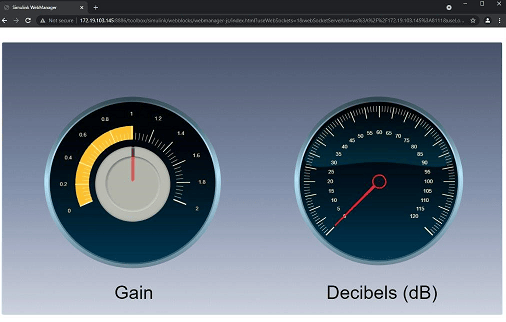
Get Started with Deploying Web-Based Customizable Dashboard Blocks on Raspberry Pi
Use Raspberry Pi® Blockset to create an interactive dashboard display using the Dashboard (Simulink) Circular Gauge (Simulink) and Knob (Simulink) blocks from the Simulink Customizable Blocks library. The example also shows you how to deploy the interactive dashboard on your Raspberry Pi hardware board. You can customize the visual aspects of the dashboard widgets so that the dashboard looks like a real system. You can obtain the what you see is what you get (WYSIWYG) visualization on a web browser or a display connected to the Raspberry Pi hardware.
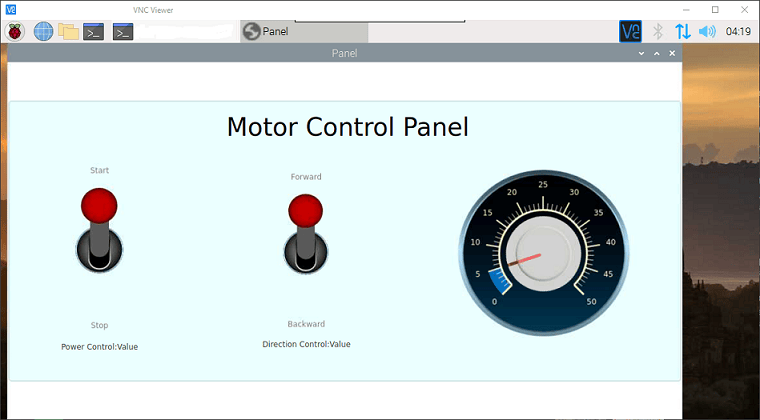
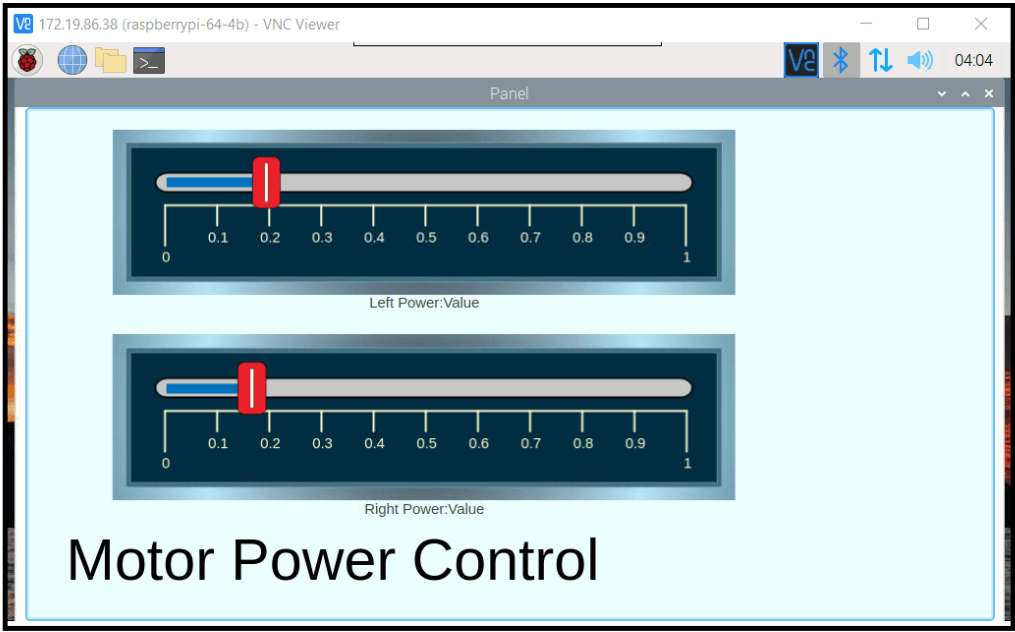
Get Started with Motor Drives for Robotics Applications Using Raspberry Pi and Simulink
Use Raspberry Pi® Blockset and a Raspberry Pi hardware board to drive motors.
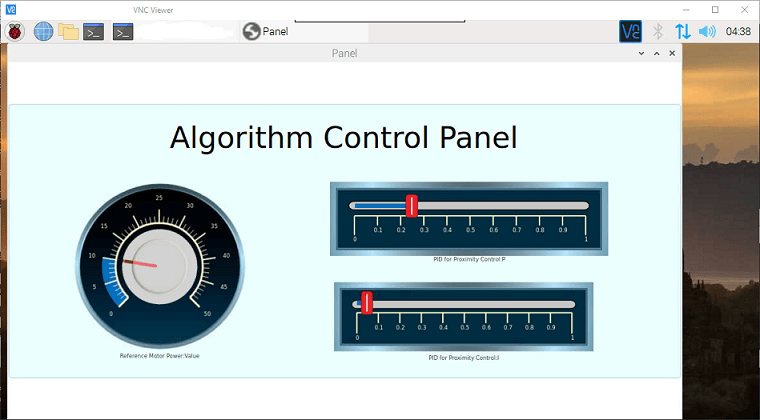
Develop Robot Navigation System Using Raspberry Pi and Simulink
Illustrates how to use Raspberry Pi® Blockset to develop a robot navigation system.
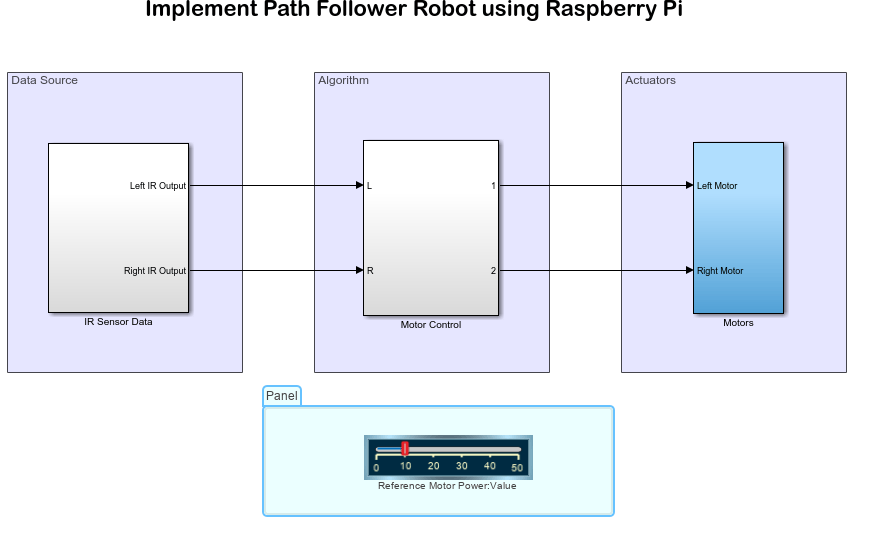
Develop Path-Following Robot Using Raspberry Pi and Simulink
Use Raspberry Pi® Blockset to develop a path-following robot.
Develop Obstacle Detection Robot Using ToF Sensor with Raspberry Pi
Use the Raspberry Pi® Blockset to interface a VL53L0X Time of Flight (ToF) sensor with the Raspberry Pi hardware to develop an obstacle detection robot.
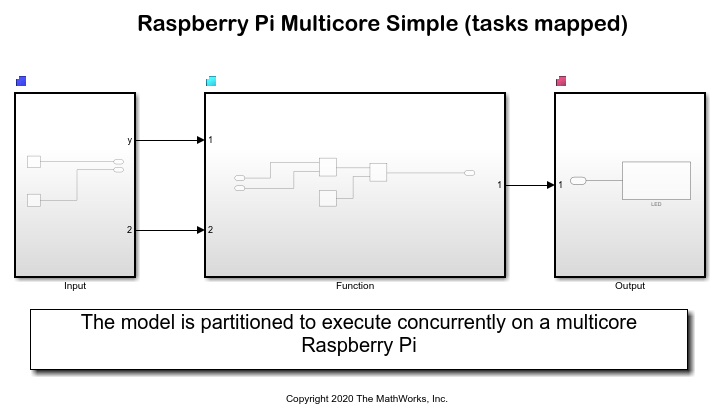
Implement Multicore Programming with CPU Core Affinity for Raspberry Pi
Use explicit partitioning for Raspberry Pi® Blockset models to create atomic subsystems and concurrently execute tasks on a multicore Raspberry Pi processor.
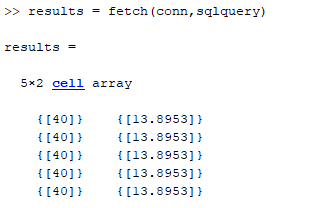
Log Humidity and Temperature Values to Database and Calculate Dew Point Using External C Code Integration Workflow
Use Raspberry Pi® Blockset to integrate a user-defined C function with a Simulink® model and achieve the following:
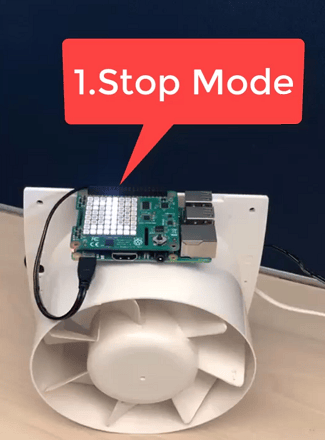
Perform Predictive Maintenance for Rotating Device Using Machine Learning Algorithm on Raspberry Pi
Use Raspberry Pi® Blockset to predict and monitor the health of a rotating device using a machine learning algorithm. You can use this example for predictive maintenance of any rotating device or piece of equipment so that you can fix them before they fail.

