Customizable Blocks
R2026bUtilice bloques de la biblioteca Customizable Blocks para diseñar controles y pantallas de panel que se parezcan a los componentes de su sistema real. Configure la forma, el color, las etiquetas, las marcas de graduación y los rangos del indicador para crear una interfaz realista para el modelo.
Como los bloques Dashboard estándar, los bloques personalizables se conectan a parámetros ajustables o señales, y permiten mostrar y ajustar valores durante la simulación. Para obtener más información, consulte Controlar simulaciones con paneles interactivos.
Para añadir bloques de esta biblioteca al modelo, consulte Add Blocks to Models.
Bloques
 | Callback Button | Execute MATLAB code using button with customizable appearance |
 | Check Box | Change parameter or variable value during simulation using check box with customizable appearance (Desde R2024b) |
 | Circular Gauge | Display signal value during simulation on circular gauge with customizable appearance |
 | Combo Box | Change parameter or variable value during simulation using combo box with customizable appearance (Desde R2025a) |
 | Display | Display signal value during simulation in box with customizable appearance (Desde R2023b) |
 | Half Gauge | Display signal value during simulation on gauge shaped as half-circle with customizable appearance (Desde R2024a) |
 | Horizontal Gauge | Display signal value during simulation on horizontal gauge with customizable appearance |
 | Horizontal Slider | Change parameter or variable value using horizontal slider with customizable appearance |
 | Knob | Change parameter or variable value using knob with customizable appearance |
 | Lamp | Display color that reflects signal value on lamp with customizable appearance |
 | MultiStateImage | Display images based on signal values on block with customizable appearance (Desde R2026b) |
 | Push Button | Change parameter or variable value using button with customizable appearance |
 | Quarter Gauge | Display signal value during simulation on gauge shaped as quarter-circle with customizable appearance (Desde R2024a) |
 | Radio Button | Change parameter or variable value during simulation using radio button with customizable appearance (Desde R2025a) |
 | Rocker Switch | Change parameter or variable value using switch with customizable appearance |
 | Rotary Switch | Change parameter or variable value using rotary switch with customizable appearance |
 | Slider Switch | Change parameter or variable value using switch with customizable appearance |
 | Toggle Switch | Change parameter or variable value using switch with customizable appearance |
 | Vertical Gauge | Display signal value during simulation on vertical gauge with customizable appearance |
 | Vertical Slider | Change parameter or variable value using vertical slider with customizable appearance |
Herramientas
| Library Browser | Find and add blocks to model |
Temas
- Add Blocks to Models
Use the Library Browser and quick insert menu to insert blocks.
Información relacionada
Ejemplos destacados
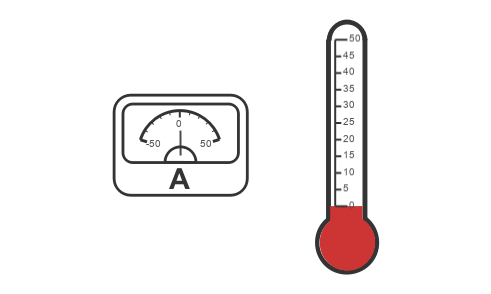
Design Custom Gauges
Design gauges using the Circular Gauge, Horizontal Gauge, and Vertical Gauge blocks.
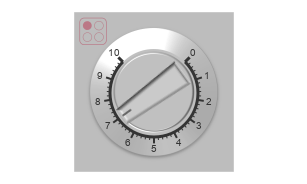
Design Custom Knobs
Design knobs using the customizable Knob block.
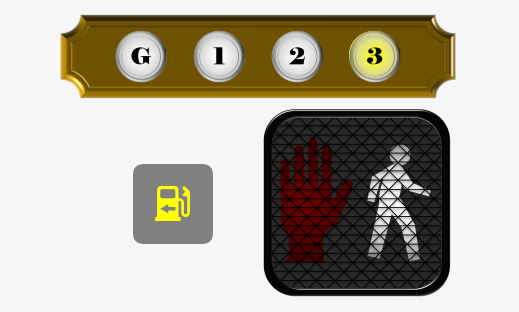
Design Custom Lamps
Design lamps using the customizable Lamp block.
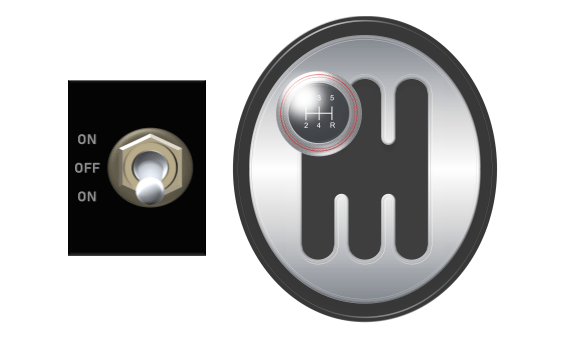
Design Custom Rocker, Slider, and Toggle Switches
Design switches using the customizable Rocker Switch, Slider Switch, and Toggle Switch blocks.
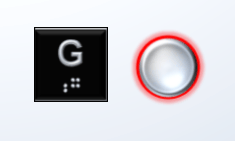
Design Custom Buttons
Design buttons using the customizable Callback Button and Push Button blocks.
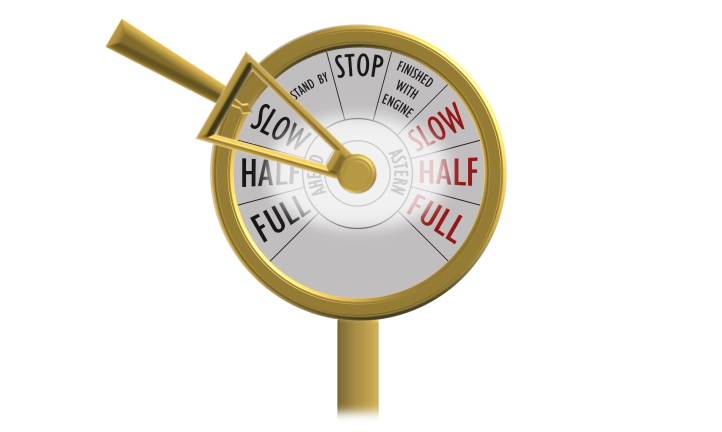
Design Custom Rotary Switches
Design rotary switches using the customizable Rotary Switch block.
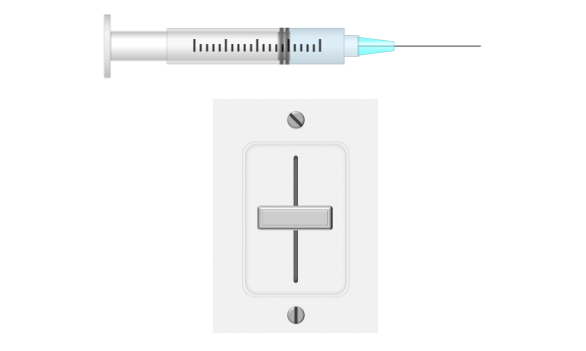
Design Custom Sliders
Design slider switches using the customizable Slider Switch block.
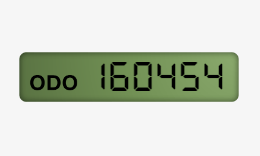
Design Custom Displays
Design displays using the customizable Display block.

