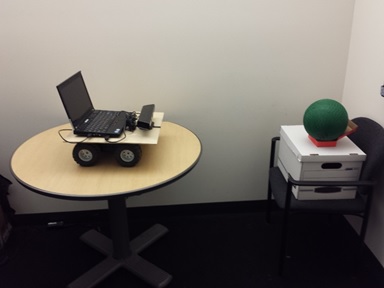
Ball Tracking Example
Learn how to control a basic Robotic System using a Desktop Computer, a Kinect and an Arduino.

Ahora está siguiendo esta publicación
- Verá actualizaciones en las notificaciones de contenido en seguimiento.
- Podrá recibir correos electrónicos, en función de las preferencias de comunicación que haya establecido.
Citar como
MathWorks Student Competitions Team (2026). Ball Tracking Example (https://la.mathworks.com/matlabcentral/fileexchange/52589-ball-tracking-example), MATLAB Central File Exchange. Recuperado .
Información general
- Versión (2,67 MB)
Compatibilidad con la versión de MATLAB
- Compatible con cualquier versión
Compatibilidad con las plataformas
- Windows
- macOS
- Linux
| Versión | Publicado | Notas de la versión | Action |
|---|---|---|---|
| 15.101.0 | Fixed minor bug with doc |
||
| 15.2.1 | Removed System Test as a required product |
||
| 15.2.1-0 | 1. Updated included custom Arduino UDP toolbox to fix 15b bugs. See release notes for Arduino UDP toolbox for more information
|

