Embedded Coder Support Package for Service-Oriented Applications on Linux
R2026bEmbedded Coder® Support Package for Service-Oriented Applications on Linux enables you to generate code from Simulink® models, package and deploy standalone applications to Linux target computers, and calibrate running applications in real time. You can interact with multiple target computers simultaneously from a single development machine.
You can use the support package to deploy these types of models to Linux target computers:
Software component models configured with the Software Component Designer app
Software architecture models configured with the Software Component Designer app
DDS Blockset models
AUTOSAR Adaptive software component models
AUTOSAR Adaptive software architecture models
The Embedded Coder Support Package for Service-Oriented Applications on Linux supports:
Packaging and deployment to x86_64, ARM64, and WSL2 targets
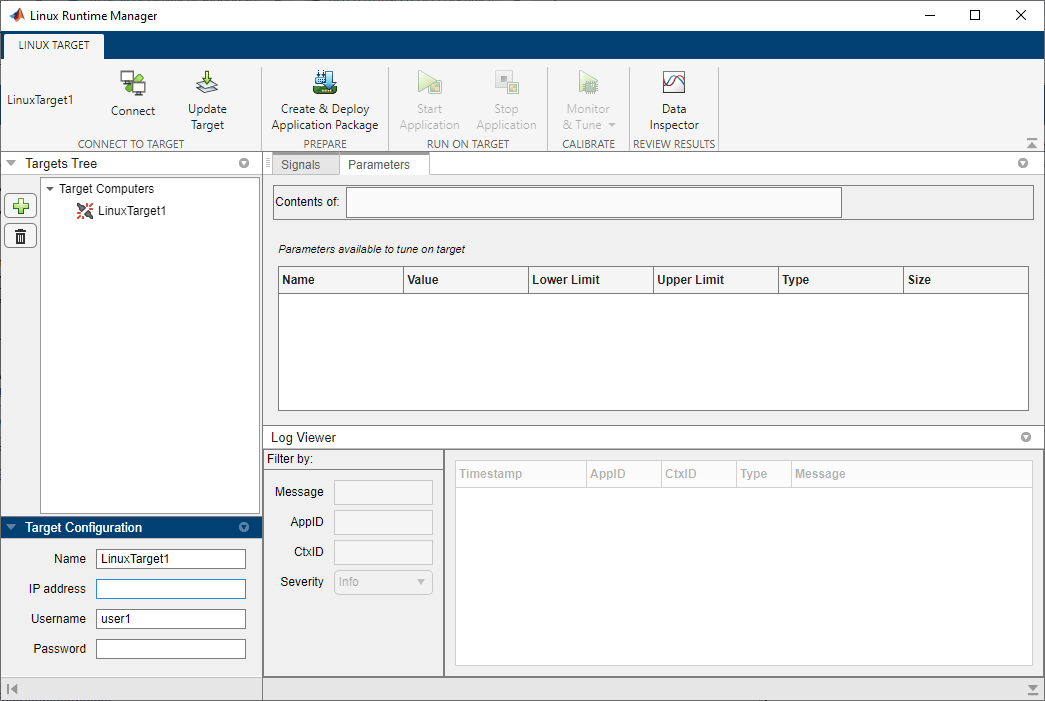
Linux Runtime Manager app for managing applications on multiple target computers
Signal instrumentation and parameter tuning
External mode simulation
Log viewer for application and system messages
The Linux Runtime Manager application runs on your development computer and enables you to manage applications on multiple target computers. You apply most of the support package functionality from the Linux Runtime Manager app.
To get started, install the support package and set up a target computer. For more information, see Install Embedded Coder Support Package for Service-Oriented Applications on Linux.
Because the support package communicates with remote target computers over SSH and network ports, follow these best practices to reduce security risks:
Restrict access to host and target computers to trusted IP addresses.
Use a dedicated router private network between host and target computers.
Restrict privileges to the deployment location to the necessary users.
Objects
linux.Targets | Interface for managing target computers (Since R2022b) |
linuxTarget | Interface for managing target computer (Since R2024a) |
Apps
| Linux Runtime Manager | Deploy and prototype service-oriented architecture (SOA) application components (Since R2022b) |
Functions
Topics
- Install Embedded Coder Support Package for Service-Oriented Applications on Linux
Steps to install Embedded Coder Support Package for Service-Oriented Applications on Linux.
- Set Up Linux Target Computer
Setting up target computer.
- Build Simulink Model and Deploy Application
Build Simulink model and deploy application to target computer.
- Tune Parameters and Measure Signal Data for Deployed Applications
Tune parameters and measure signal data as application runs on target computer.
- Calibrate Service-Oriented Application
Tune parameters and monitor signals on a running service-oriented application deployed to a Linux target.
- Analyze Logged Messages
View, filter, and analyze log messages by using the Linux Runtime Manager application or the command line.
- External Mode Simulation of Deployed Applications
Use external mode simulation to tune parameters and monitor signals in real time for applications deployed to a Linux target.
- Troubleshooting
Troubleshoot problems that you encounter while using the Embedded Coder Support Package for Service-Oriented Applications on Linux.
Featured Examples
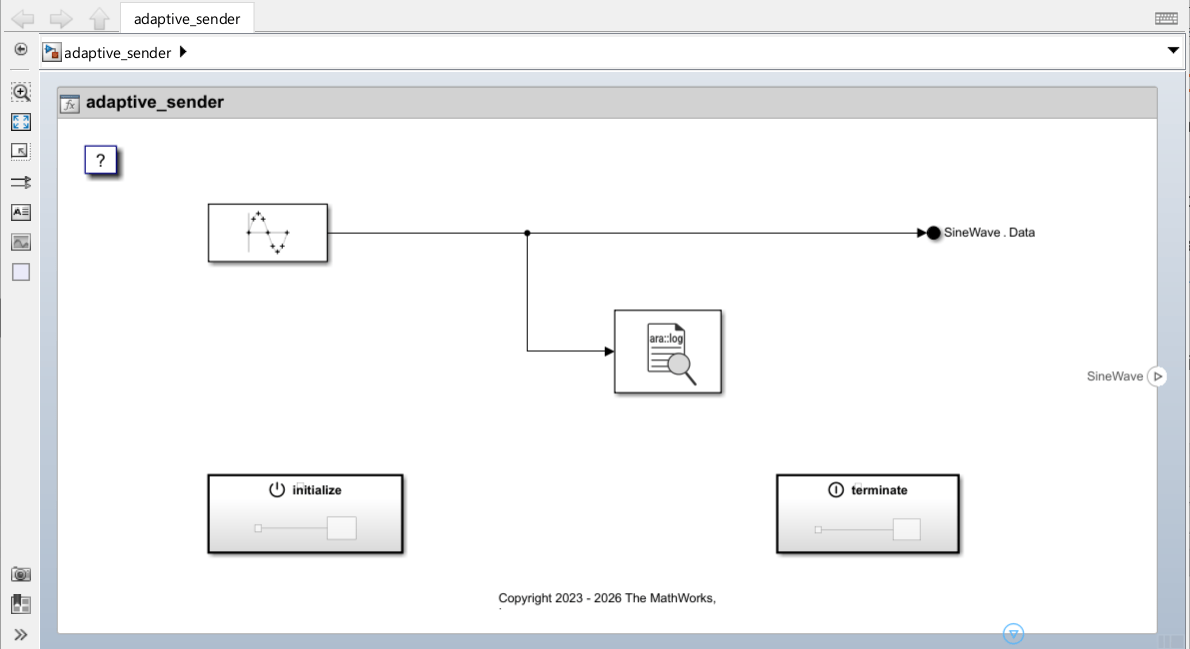
Get Started with Embedded Coder Support Package for Service-Oriented Applications on Linux
Deploy an application on a Linux target computer using Embedded Coder® Support Package for Service-Oriented Applications on Linux®.
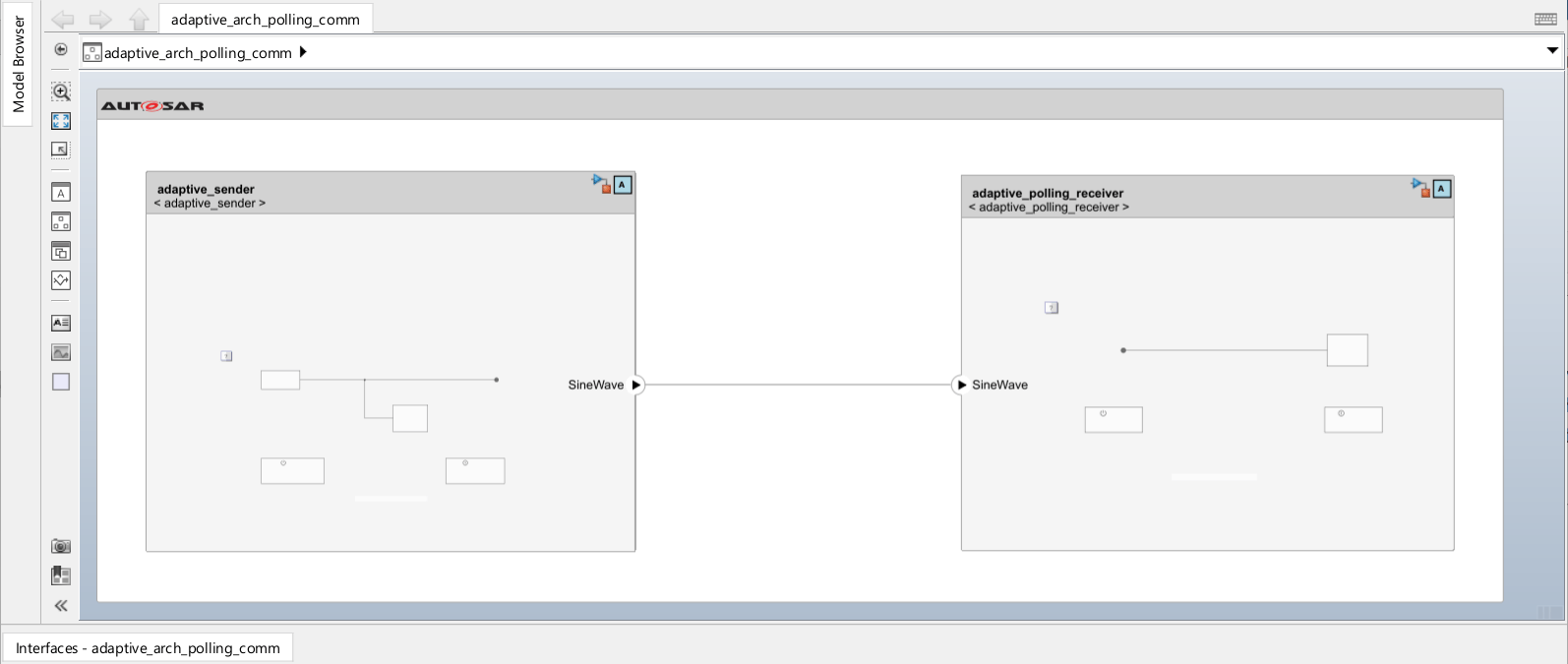
Event Communication Between AUTOSAR Adaptive Applications Using Periodic Reception
Deploy two AUTOSAR adaptive applications that use events to communicate with each other in periodic (rate-based) reception mode.
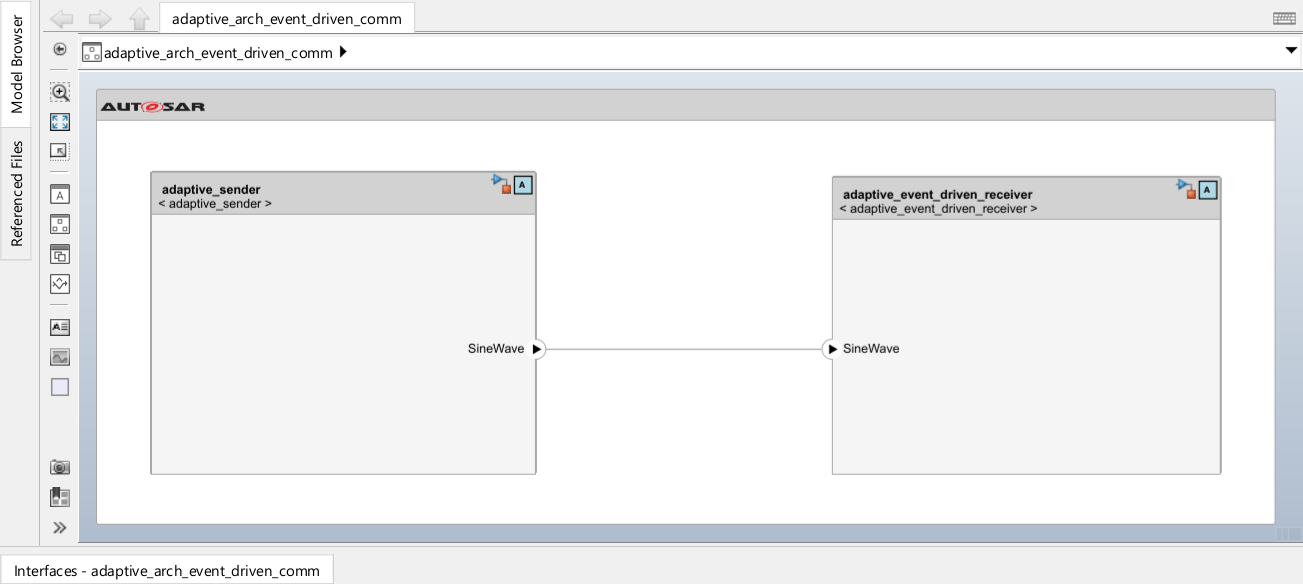
Event Communication Between AUTOSAR Adaptive Applications Using Event Driven Approach
Deploy two AUTOSAR adaptive applications and use events to communicate with each other in message triggering mode.
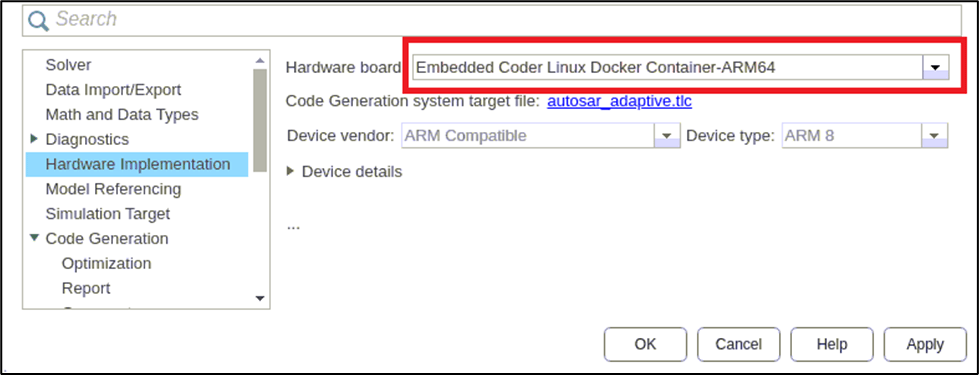
Deploy AUTOSAR Adaptive Application on Linux ARM64 Machine
Deploy an AUTOSAR adaptive model on a Linux ARM64 target machine using the Embedded Coder® Support Package for Linux Applications.
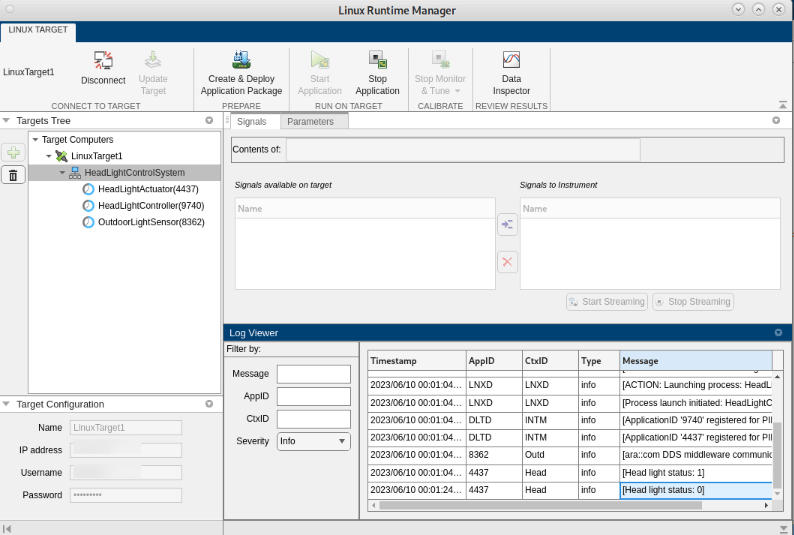
Deploy AUTOSAR Adaptive Architecture Model
Deploy an AUTOSAR(R) adaptive architecture model to a Linux(R) target and use external mode to monitor and tune a component using AUTOSAR Blockset(TM) and Embedded Coder(R). You deploy a headlight control system where three components communicate through adaptive events and methods, then use external mode to calibrate sensor thresholds while observing the end-to-end adaptive communication.

Deploy Over-the-Air Updates to Linux Target
Use over-the-air (OTA) updates with the Embedded Coder(R) Support Package for Service-Oriented Applications on Linux(R) to update deployed AUTOSAR(R) adaptive applications on a target machine. OTA updates enable remote software deployment without physical access to the device, using an Eclipse(TM) hawkBit server to roll out updates to target machines.

