Utilizar MATLAB Projects en Simulink
R2026aLos proyectos ayudan a organizar diseños de modelado de gran tamaño, encontrando los archivos necesarios, gestionando y compartiendo archivos y configuraciones, e interactuando con el control de versiones. Si es la primera vez que utiliza proyectos, consulte Proyectos en la documentación de MATLAB® para aprender los conceptos básicos.
Para obtener información específica de Simulink, consulte What Are MATLAB Projects in Simulink?.
Funciones
Temas
- What Are MATLAB Projects in Simulink?
Use projects to help you organize your work. Find all your required files; manage and share files, settings, and user-defined tasks; and interact with source control.
- Explore Project Tools with Airframe Project
Try an example project to see how the tools can help you organize your work.
- Automatic Updates When Renaming, Deleting, or Removing Project Files
- Manage Shadowed and Dirty Model Files and Other Project Files
- Check for Compatibility Issues and Upgrade Simulink Models Using Project Upgrade
- Share Subset of Project Files Using Labels
- Identify and Run Tests in MATLAB Projects
- Run Custom Tasks on Project Files
- Use Source Control with MATLAB Projects
- Analyze Project Dependencies in Simulink
Find required files for a whole project or for specified files, and control options for analysis.
- Organize Large Modeling Projects Using Referenced Projects
Organize a large project into components to facilitate component reuse and modular development.
Ejemplos destacados
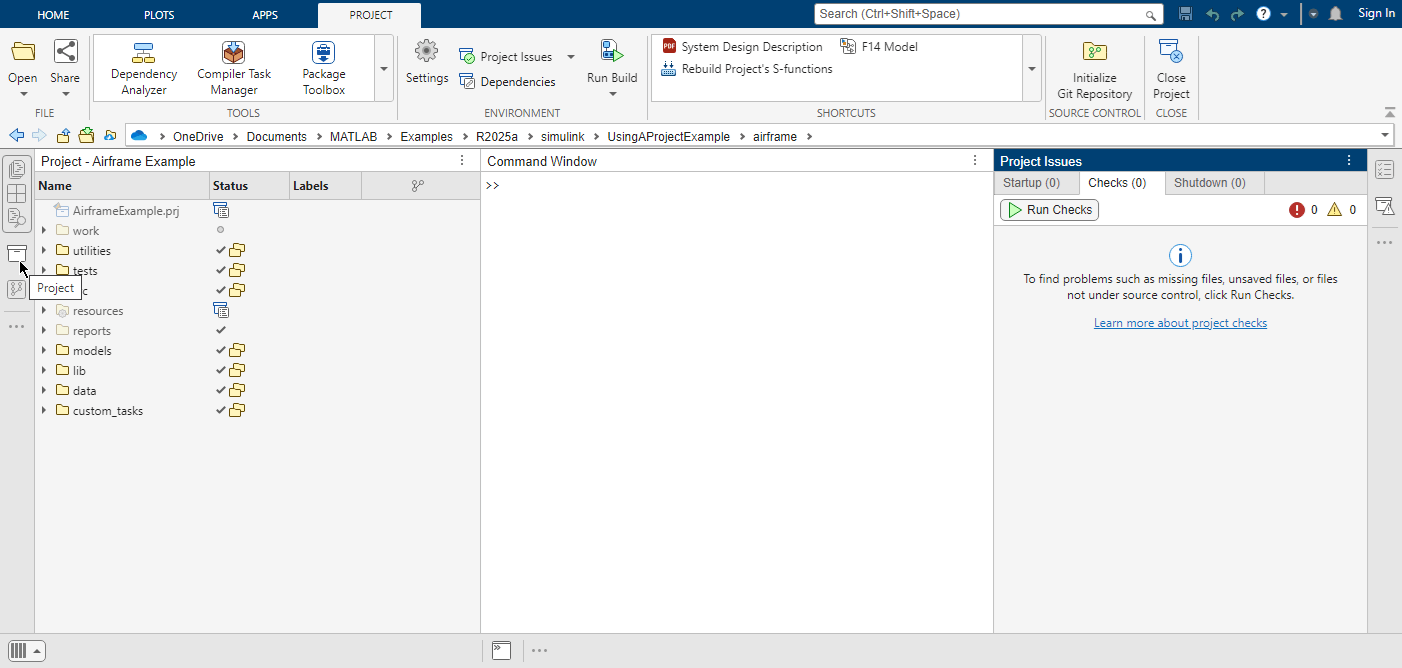
Get Started with MATLAB Projects
Use an existing project to manage the files within your design. You can automate startup and shutdown tasks, add shortcuts for common tasks, run checks, upgrade project files, analyze project dependencies, and share your project.
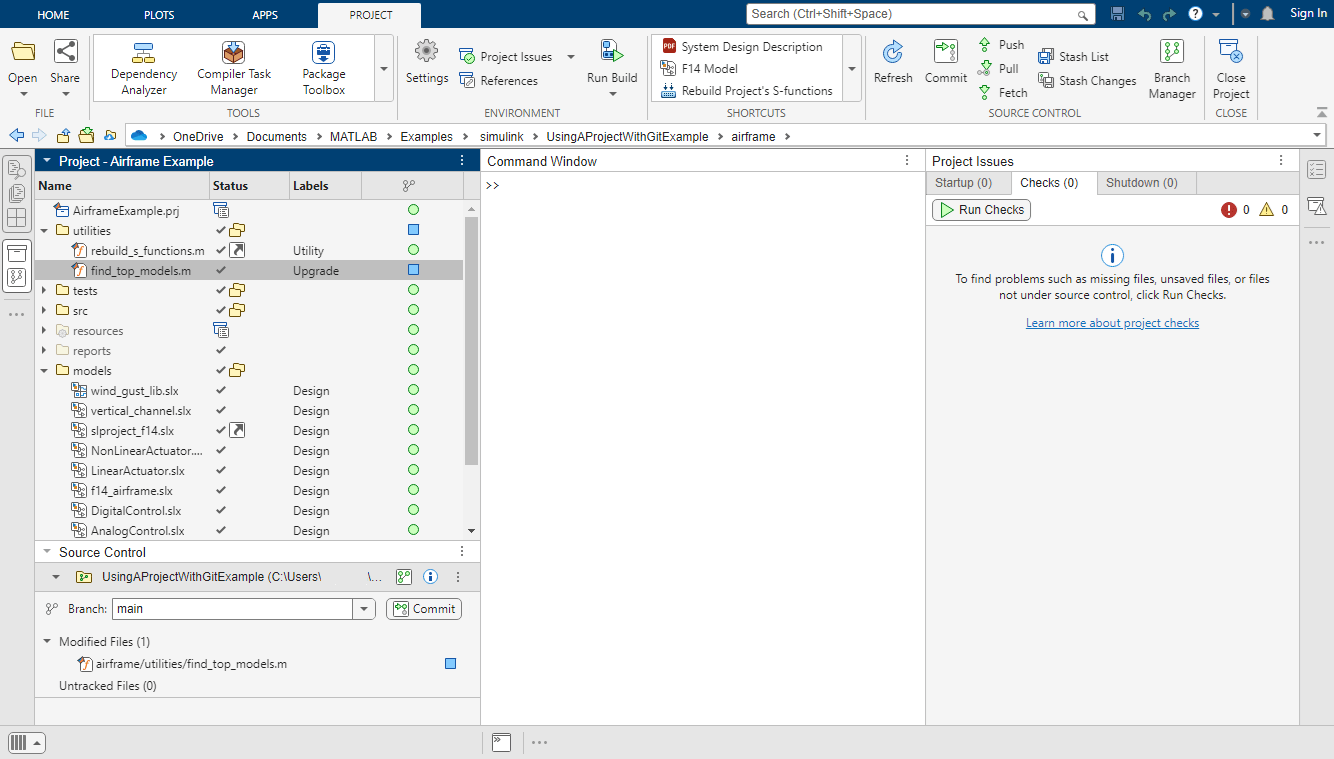
Using a Project with Git
Use a project to manage the files within your design. Starting with an existing project that is already checked into source control, this example shows how to view modified files, compare file revisions, and analyze project dependencies.
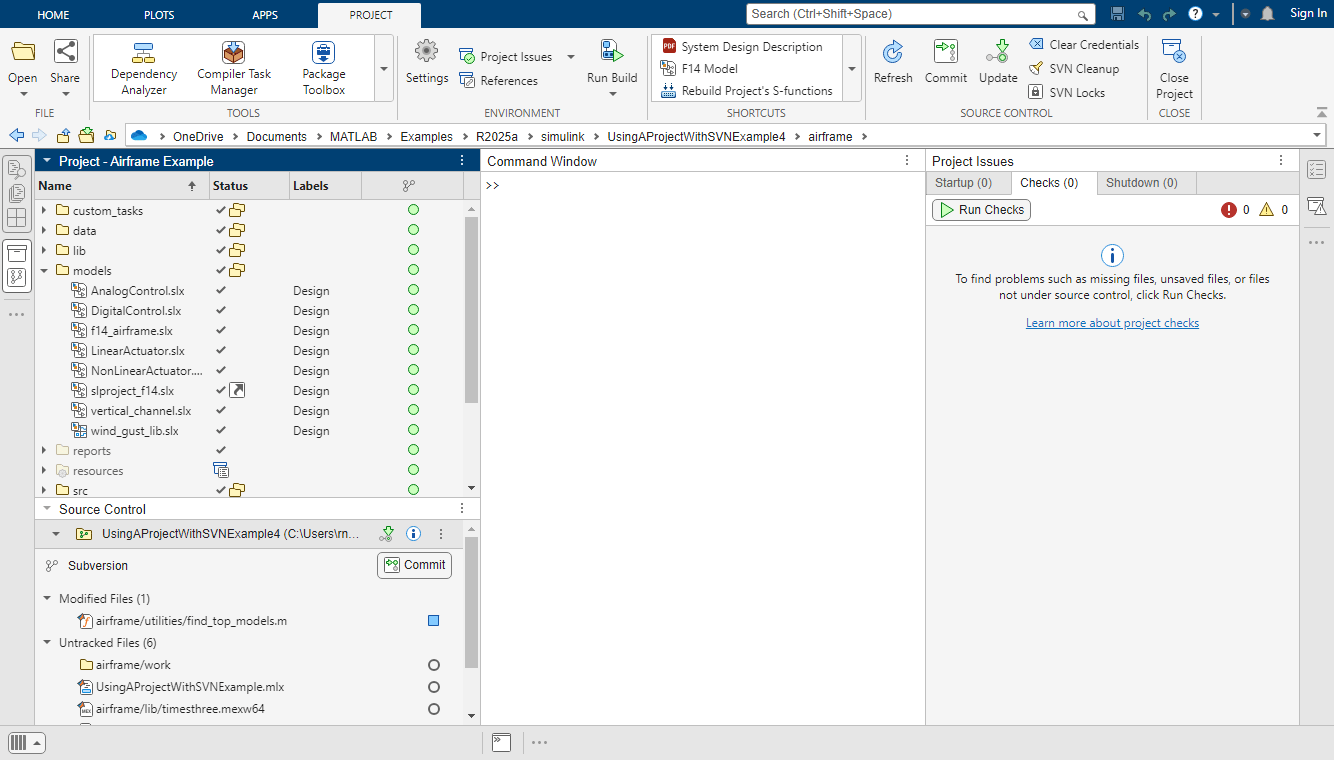
Using a Project with SVN
Use a project to manage the files within your design. Starting with an existing project that is already checked into source control, this example shows how to view modified files, compare file revisions, and analyze project dependencies.
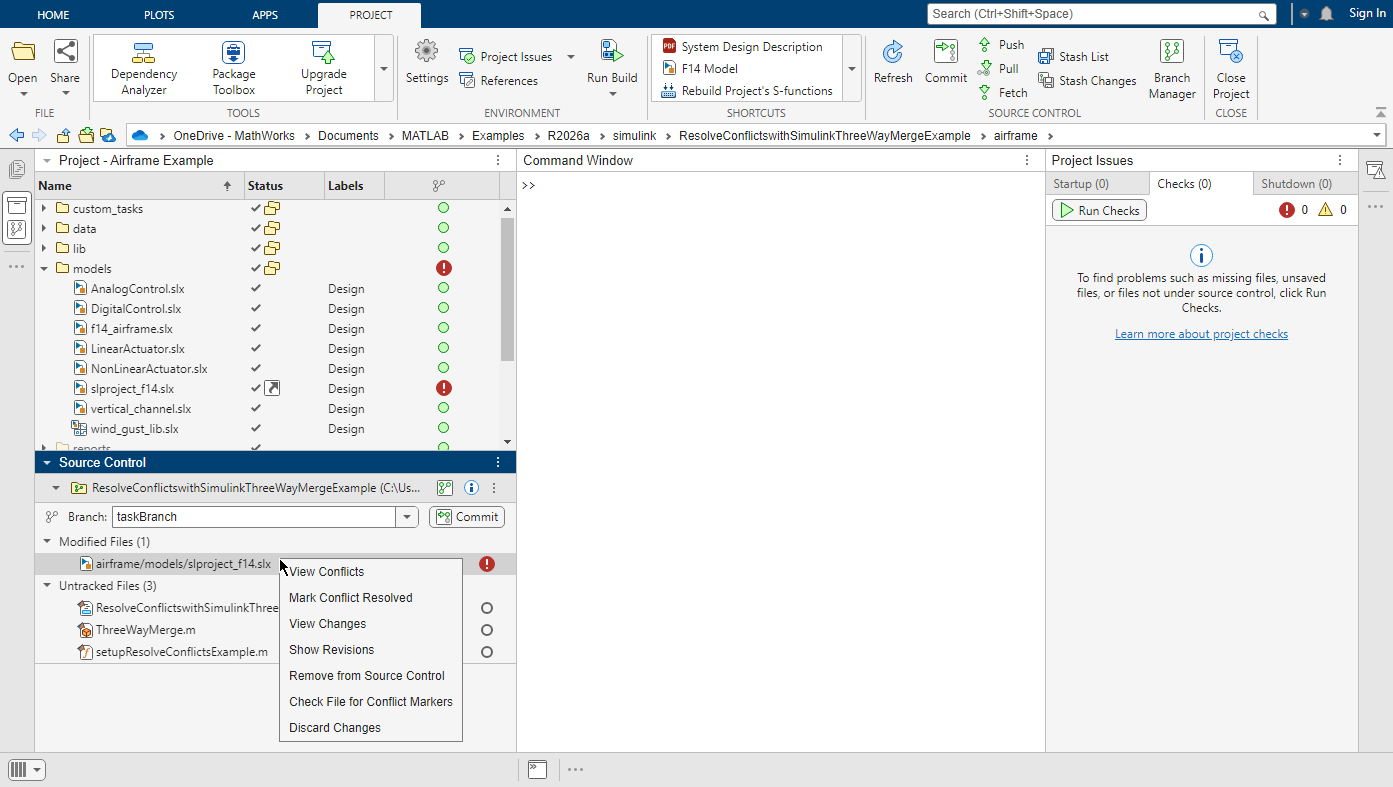
Resolve Conflicts in Project Using Simulink Three-Way Merge
Use the Simulink® Three-Way Merge tool to resolve conflicts in Simulink models in a project. You can view and merge the Simulink model differences in the resulting report.

