Logging, Visualization, and Analysis
R2026bWireless Network Toolbox™ offers a range of features for analyzing and visualizing wireless networks. Use this toolbox to:
Capture and read packets at the medium access control (MAC) layer.
Capture in-phase and quadrature (IQ) samples at the physical layer (PHY) of the receiver node.
Capture events from nodes.
View the state transitions and channel occupancy of wireless nodes.
Visualize nodes in the network scenario.
Visualize node mobility.
Objects
Topics
- Visualize Network Traffic and Log Events (Bluetooth Toolbox)
Use this example to simulate, visualize, and analyze network traffic and events.
- Capture Packets to PCAP and Correlate with Logged Events (Bluetooth Toolbox)
Use this example to simulate, visualize, capture, and analyze packets and events.
- Log IQ Samples and Visualize in Signal Analyzer (Bluetooth Toolbox)
Use this example to simulate, log, visualize, and analyze IQ samples at nodes.
- Randomly Place Wireless Nodes in Rectangle and in Overlapping Area with Circle
Learn how to randomly place wireless nodes in a rectangle and in an overlapping area with circle.
Featured Examples
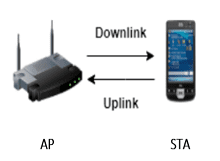
Get Started with WLAN System-Level Simulation in MATLAB
Create a multinode WLAN system-level simulation consisting of an IEEE® 802.11ax™ access point (AP) and a station (STA) by using WLAN Toolbox™.
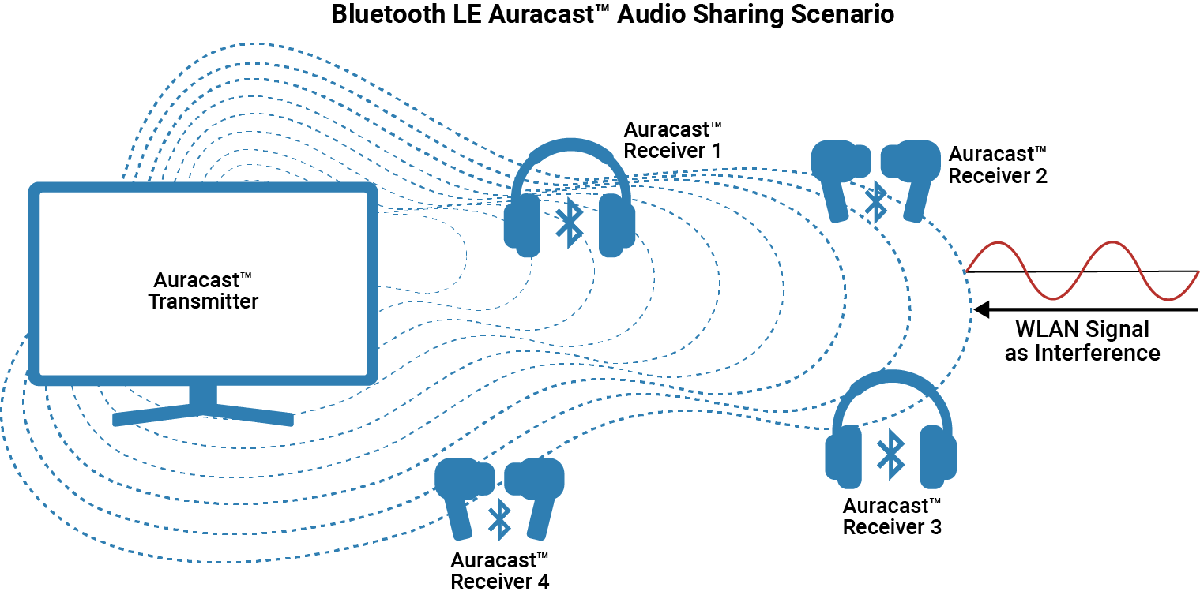
Bluetooth LE Auracast Broadcast Audio Simulation Using LC3 Encoded Audio
Simulate Bluetooth LE Auracast broadcast audio by using LC3 encoded audio data in an audio sharing network scenario.
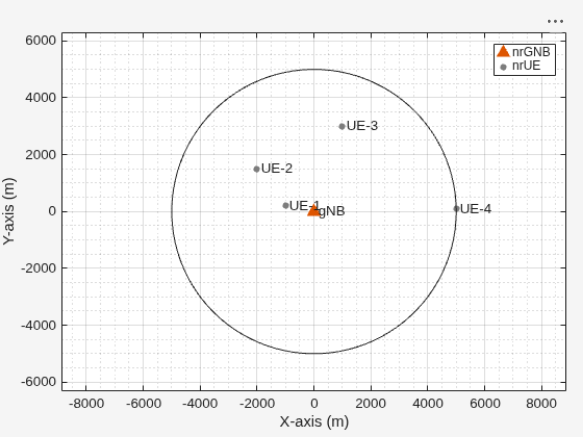
NR Cell Performance Evaluation with Physical Layer Integration
Model a cell by integrating the higher layers of the stack with 5G Toolbox™ PHY processing and evaluate the performance.

